Chapter 06
Lenses and Gear
Choose tools for real photographic needs instead of chasing specifications.
Choose focal lengths and accessories that solve specific shooting problems.
Photograph the same subject with wide, normal, and telephoto lenses while keeping subject size consistent.
Lesson 01
Wide, Normal, Telephoto, Macro, and Prime Lenses
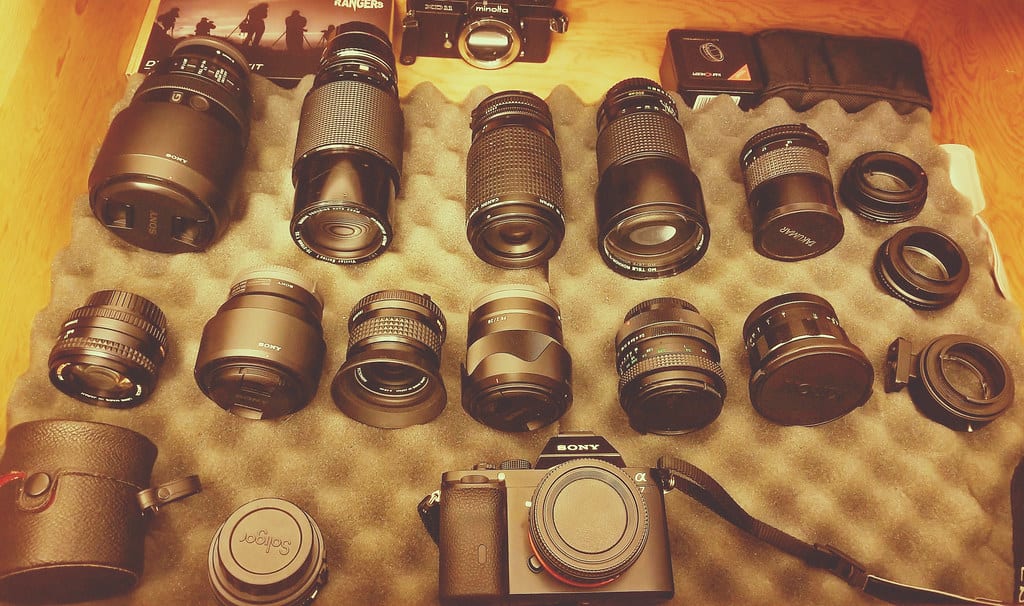
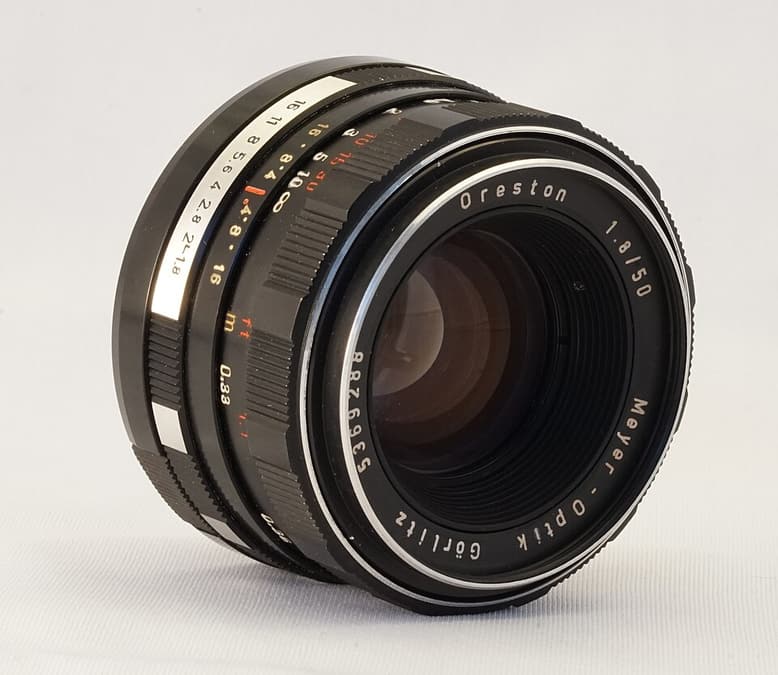
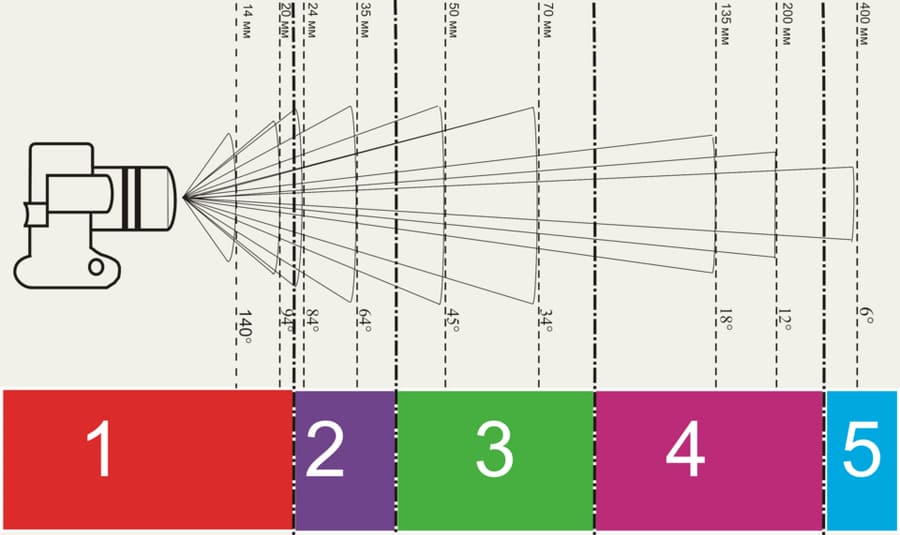
Lens categories are relative to sensor size. On full frame, roughly 14–35 mm is commonly called wide, 40–60 mm normal, and 70 mm upward telephoto. Zooms cover multiple focal lengths for speed; primes use one focal length and often offer a wider aperture, smaller size, or strong performance for the price. A true macro lens is described by reproduction ratio: at 1:1, a 10 mm subject creates a 10 mm image on the sensor. Minimum focus distance is measured from the sensor plane, so working distance is shorter.
Key takeaways
- Wide lenses include context but require careful management of edges and close subjects
- Normal lenses suit natural interactions and everyday perspective
- Telephoto lenses isolate distant detail and simplify backgrounds
- Macro lenses provide close focus and high reproduction ratios
- Prime lenses often offer wide apertures and encourage deliberate camera movement
- Maximum aperture, working distance, autofocus, stabilization, and weight may matter more than zoom range
Practical example
In a café, 24 mm can establish the space, 50 mm can show interaction, 85 mm can isolate expression, and macro can record coffee-bean texture. In a small room, 85 mm may be impractical; for environmental storytelling, 24–35 mm may be stronger. Choose according to working distance and information, not a hierarchy of “better” lenses.
Common mistakes
- Pushing a wide lens very close to a face
- Buying several overlapping focal lengths without a defined need
- Choosing from sharpness charts while ignoring weight and AF behavior
- Calling every close-focusing lens a macro lens
- Standing in one place and zooming instead of selecting a meaningful viewpoint
Knowledge check
Lesson 02
Focal Length, Angle of View, and Perspective
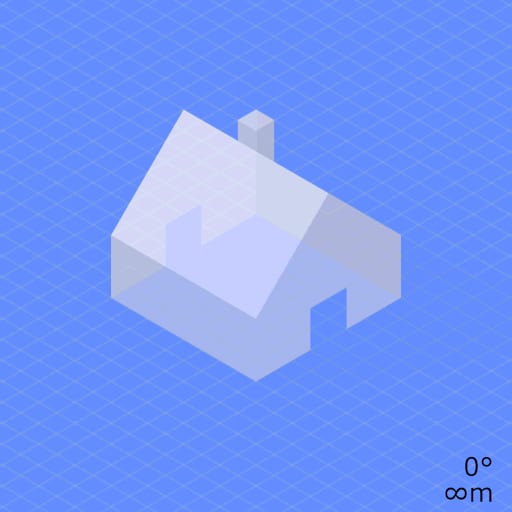
Perspective is the size and overlap relationship between objects at different distances. If camera position remains fixed, a wide photograph cropped to match a telephoto frame has essentially the same perspective. When you move to keep the subject the same size, camera distance changes those relationships. Choose position first according to facial proportion and foreground–background relationship, then select a focal length to frame from that position.
Key takeaways
- Moving closer makes near features appear larger relative to distant ones
- Moving farther away makes depth layers appear closer together
- A wide lens does not distort a face by itself; the close viewpoint does
- Telephoto “compression” results from the distant viewpoint required for matching subject size
- Focal length selects the crop or angle of view after viewpoint is chosen
- Cropping a wide image can mimic telephoto framing from one position but loses resolution
- Forced perspective deliberately uses viewpoint and overlap to deceive scale; subjects must hold their position on the camera's viewing axis
Practical example
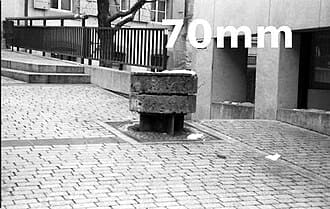
Photograph a face at the same size with 24 mm from close range and 85 mm from farther away. The 24 mm viewpoint enlarges the nose relative to the ears; the 85 mm viewpoint produces gentler proportions. In landscape, close wide-angle flowers become large against distant mountains, while a distant telephoto viewpoint makes mountains appear larger relative to them. For forced perspective, place a small object very near the lens and a person farther away on the same viewing axis, making them appear to hold or interact with it. Lock camera position, then guide the person in tiny steps; a few centimeters of movement at the near object can reveal the illusion.
Common mistakes
- Zooming from one position and concluding that focal length changed perspective
- Correcting close-viewpoint facial exaggeration with a lens profile
- Selecting position only to make the subject fit
- Comparing focal lengths with different subject sizes and drawing an uncontrolled conclusion
- Choosing a telephoto lens where no working distance exists
Knowledge check
Lesson 03
Lens Distortion and Compression
Barrel distortion bends straight lines outward, commonly at wide focal lengths. Pincushion distortion bends them inward, often near the telephoto end of a zoom. Moustache distortion combines patterns. Perspective convergence is different: tilting the camera makes parallel building lines meet because the sensor is no longer parallel to the facade. Compression is not an optical defect. From farther away, relative distance differences shrink, so layers appear closer together. A lens profile can correct optical distortion but cannot change perspective created by camera position.

Key takeaways
- Wide lenses often show barrel distortion near the edges
- Telephoto zoom positions may show pincushion distortion
- Keep the sensor parallel to architecture when vertical accuracy matters
- Perspective correction crops the frame and can stretch edges
- Telephoto compression comes from distant camera position
- A correct profile depends on the actual camera–lens combination and focal setting
Practical example
A wall bowing outward at 16 mm is barrel distortion; mountain ridges appearing close together from a 200 mm viewpoint are compression. Tilting upward at a building causes converging verticals even if optical distortion is perfectly corrected. Step back and level the camera, use shift movements, or leave generous crop space before relying on transformation later.
Common mistakes
- Calling every wide-angle effect lens distortion
- Trying to correct compression with a lens profile
- Enabling correction without checking the resulting crop
- Applying extreme transform corrections that stretch edge objects
- Testing a grid with the camera misaligned and confusing perspective with distortion
Knowledge check
Lesson 04
Tripods, Filters, Flash, Memory Cards, and Batteries
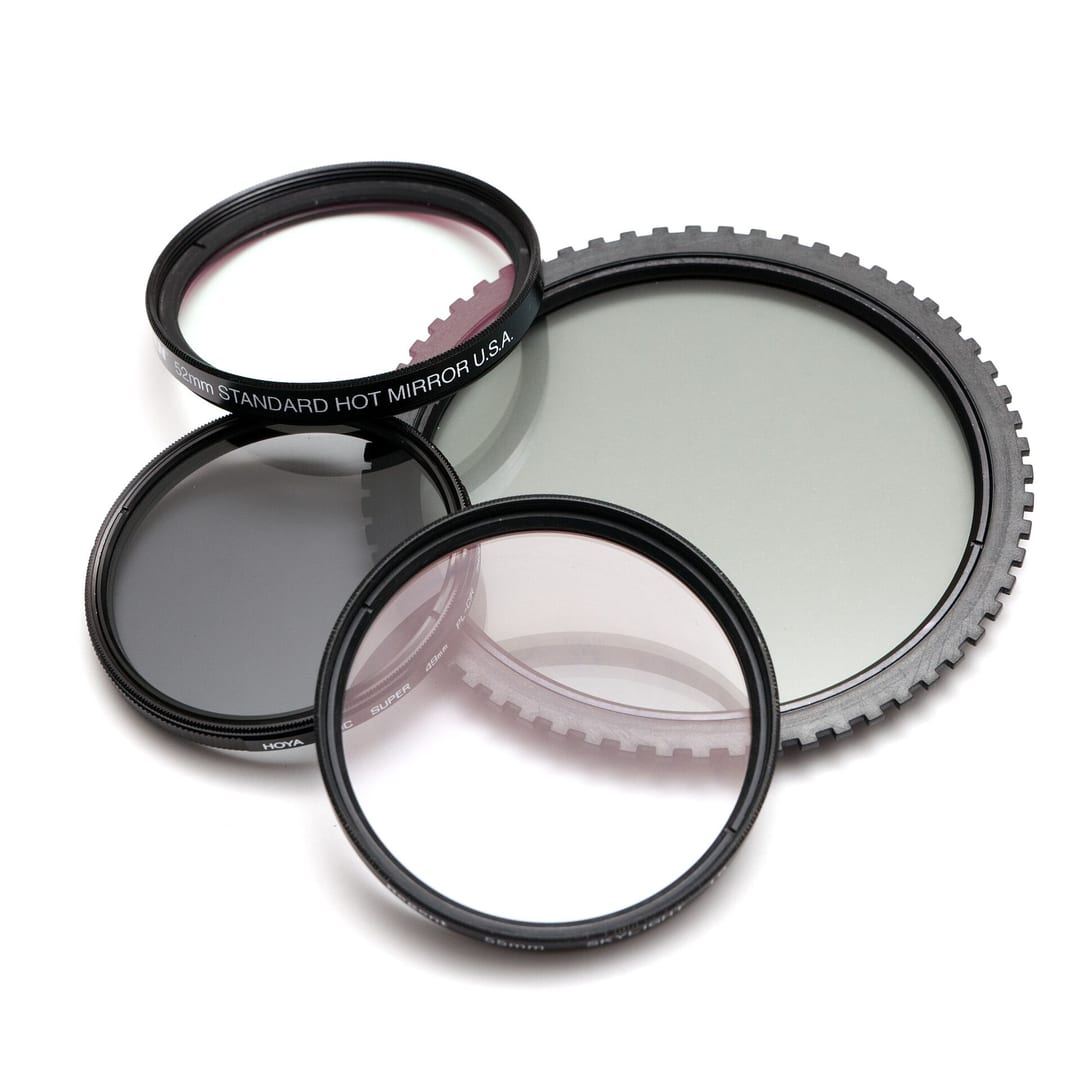
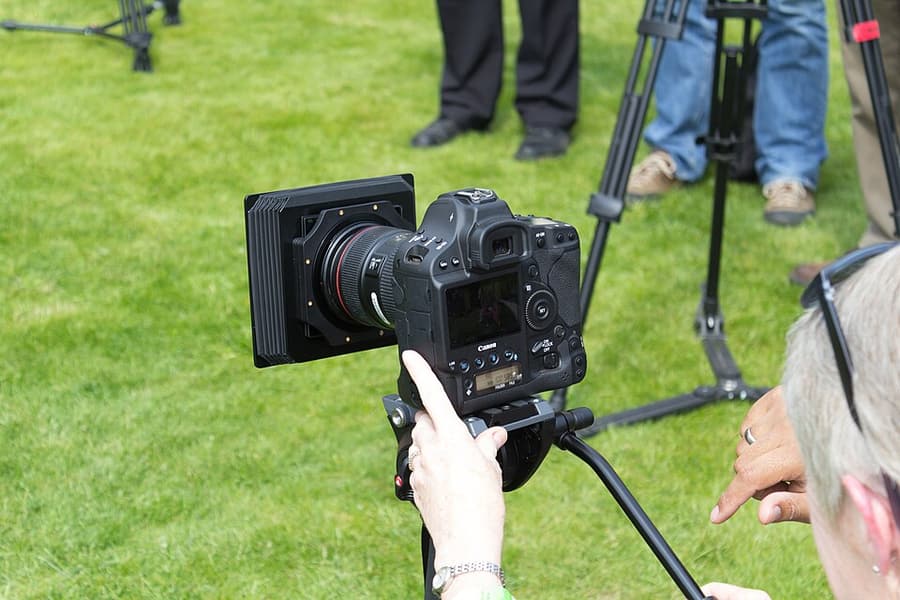
A useful accessory solves a defined problem. A tripod stabilizes the camera and supports precise framing. A circular polarizer reduces reflections from non-metallic surfaces. Neutral-density filters reduce light for long exposures or wide apertures. Flash adds controllable light. Reliable cards and batteries prevent interruption. A tripod must be stable for the actual camera and wind yet light enough to carry. Cards need the speed standard used by the camera, reputable manufacture, and a disciplined format-after-backup workflow.
Key takeaways
- CPL filters reduce reflections on water, glass, and foliage and usually lose 1–2 stops of light
- Polarization is strongest roughly 90° from the sun and may look uneven with ultra-wide views
- ND filters permit slow shutter speeds or wide apertures in bright light
- Tripod stability depends on legs, locks, center column, head, surface, and wind
- Several moderate-size cards can limit a single-card failure, but require clear labeling
- Number and rotate batteries, carry spares, and protect them from extreme temperature
- Calculate ND in stops: new exposure time = original time × 2^stops. From 1/125 second, a 6-stop ND gives about 1/2 second at unchanged aperture/ISO. Verify the histogram because actual density, leaks, and color may depart from theory.
- A CPL reduces nonmetallic reflections from water, glass, and leaves but does not remove every reflection at every angle. Rotate toward the intended effect, retain useful reflections, and avoid uneven skies with very wide views.
Practical example
For a daytime waterfall, compose and focus before fitting a dark ND filter. Use the tripod, timer, fixed ISO, and histogram; wipe spray from the filter between frames. A CPL may reduce glare on wet rocks but must be rotated while observing its actual effect.
Common mistakes
- Extending the center column high in wind
- Buying a tripod too weak for the load or too heavy to carry
- Creating an uneven sky with a CPL on an ultra-wide lens
- Using low-quality filters that add color cast, flare, or softness
- Keeping an entire trip on one large card without another copy
Knowledge check
Lesson 05
Cleaning, Storage, and Data Protection
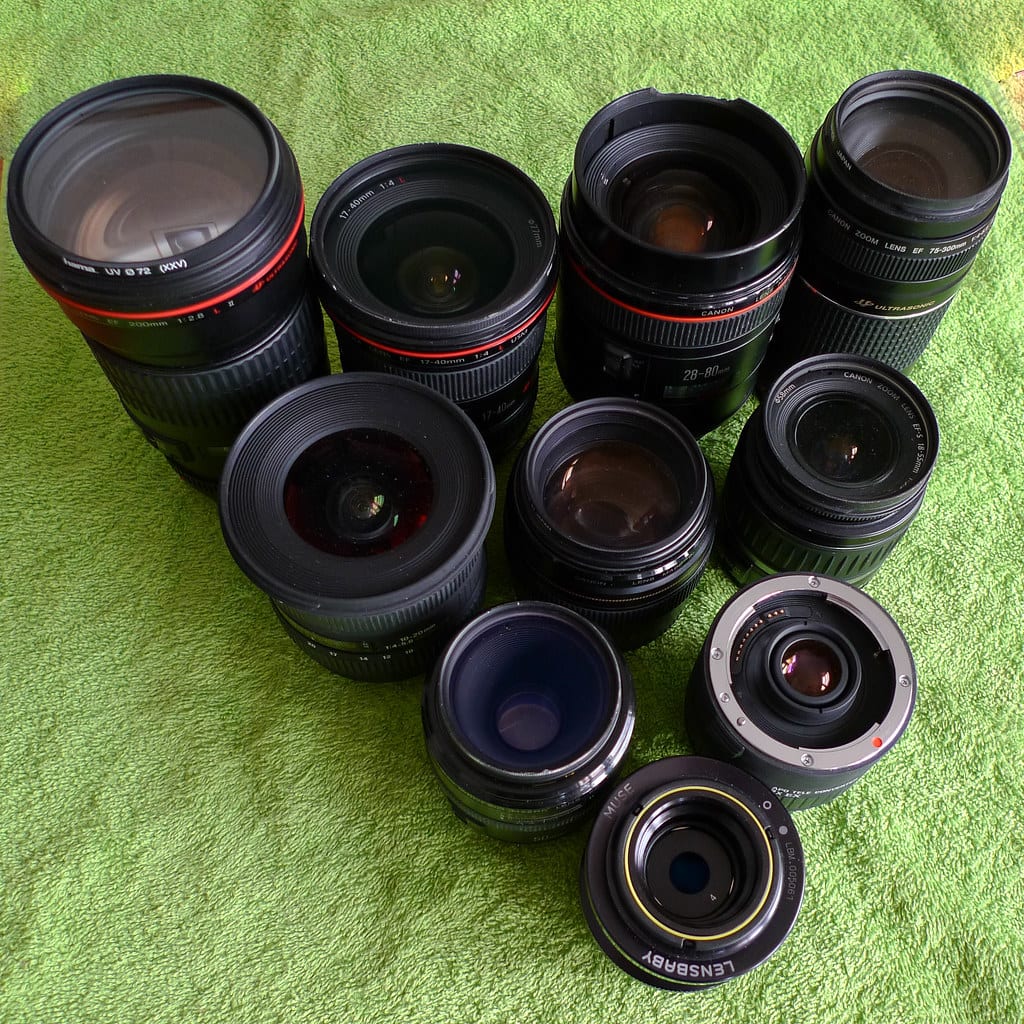
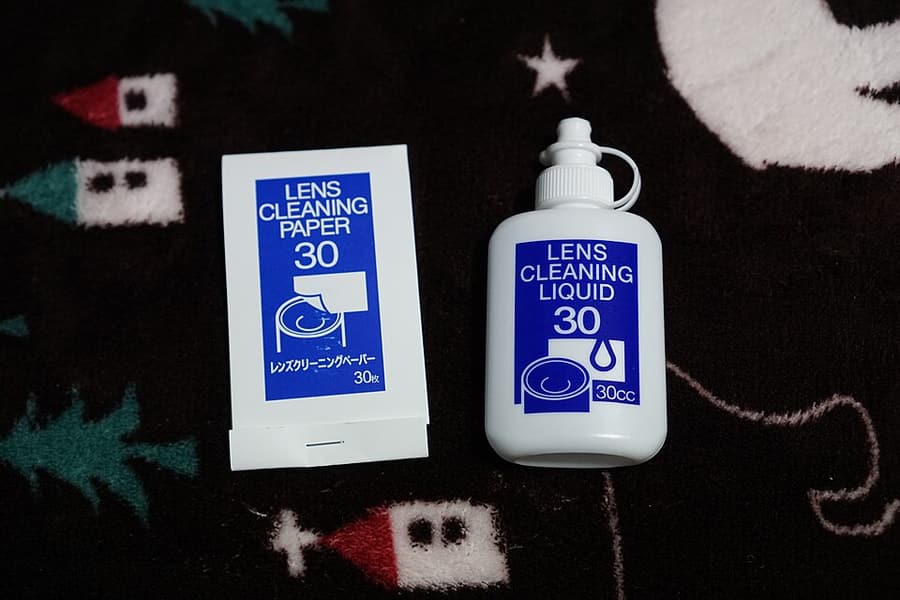
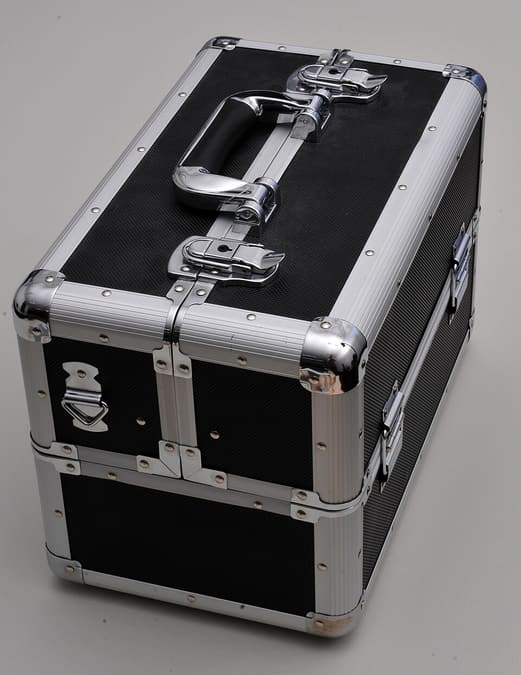
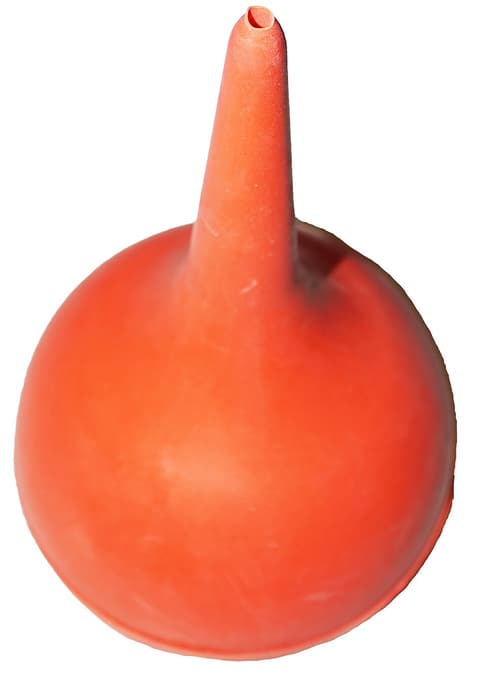
Clean from least contact to most: use a blower for loose particles, then a clean brush or microfiber cloth, and only then an appropriate solution for oil. Use the camera's sensor-cleaning function and a blower first; if you are not confident about wet sensor cleaning, use a qualified service. High humidity encourages lens fungus. A dry cabinet or sealed container with a hygrometer can provide a stable environment, but extreme dryness may damage rubber and lubricants. Dry wet equipment before sealing it away.
Key takeaways
- Remove loose dust with a blower before touching a surface
- Never blow on a sensor with your mouth or wipe optics with clothing
- Change lenses out of wind and dust when possible, with the mount facing down
- Let cold equipment warm inside a closed bag to reduce condensation
- Remove batteries for long storage and avoid excessive heat
- Do not format a card until at least two verified copies exist
Practical example
After a beach shoot, keep ports and the mount closed while wet, wipe the body with a lightly damp clean cloth to remove salt, use a blower for loose sand, and allow everything to dry before storage. Import the photographs, confirm counts, and open files from both copies before formatting.
Common mistakes
- Using the same dirty cloth on the body, filter, and front element
- Blowing on the sensor or wiping it with improvised material
- Sealing damp equipment in a camera bag for days
- Keeping the only image copy on one portable drive
- Formatting cards immediately after a copy without verifying restore
Knowledge check
Lesson 06
When to Upgrade Equipment
Upgrade only when existing equipment causes a repeated, measurable limit that technique cannot solve. Useful evidence sounds like “tracking yields only 45% sharp bird-in-flight frames after optimized settings” or “the buffer fills after 18 RAW files,” not simply “my photographs do not look good enough.” Total ownership cost includes compatible lenses, cards, batteries, storage, accessories, insurance, and relearning controls. Rent or borrow in the actual difficult situation before buying.
Key takeaways
- Define a measurable limit from failed real photographs
- Compare hit rate and time saved, not only the best file from each camera
- Test a free technique or workflow solution first
- A lens, light, tripod, computer, or training may address the bottleneck better than a body
- Rent or borrow before purchasing or changing systems
- Include resale loss and full ecosystem cost in the decision
Practical example
If sports photographs fail because the tracking method is inconsistent, a new body may not help. If optimized technique still yields a 45% focus hit rate, compare the same controlled drill with a rental. An improvement to 80% that changes deliverable results is strong evidence; a small difference may not justify the cost.
Common mistakes
- Upgrading to create short-lived motivation
- Using a specification as proof instead of analyzing failed images
- Counting the body price but ignoring lenses, cards, and storage
- Switching systems while budgeting too little for suitable lenses
- Selling current equipment before testing the new color, handling, and workflow