Chapter 03
Focus and Sharpness
Place focus accurately and diagnose the real causes of soft photographs.
Choose the right AF mode and area for still subjects, action, and portraits.
Photograph a person walking toward the camera with Single AF and Continuous AF, then compare the hit rate.
Lesson 01
Single AF, Continuous AF, and Manual Focus
AF-S/One Shot acquires focus and stops updating while focus remains engaged. AF-C/AI Servo continually measures and predicts distance, making it suitable for moving subjects. Manual Focus gives direct control when autofocus cannot identify the intended plane. Focus mode and focus area are separate choices: the mode controls how distance updates, while single point, zone, or tracking controls where the camera may search. Effective focusing combines both decisions.
Key takeaways
- Use AF-S/One Shot for stationary subjects
- Use AF-C/AI Servo for subjects changing distance
- Pair Manual Focus with magnification or focus peaking
- Back-button focus can separate focus activation from shutter release
- Autofocus needs contrast or recognizable structure and may hunt on smooth, dark surfaces
- Focus peaking is an edge-contrast guide; magnification is more dependable for critical work
- To configure back-button focus, assign AF On to a rear button, disable AF w/ shutter, and verify that a half-press no longer activates AF. In AF-C, hold the rear button to follow and release it to stop updating focus; disable Pre-AF too when you need a fixed distance.
- On the A7C, the default AF-ON assignment is Tracking On + AF On, which behaves differently from ordinary AF On. Inspect the current assignment before changing it rather than assuming every camera is configured alike.
- For focus peaking, choose a visible color and a low/moderate level, turn the focus ring toward the intended detail, then confirm with Focus Magnifier. Peaking marks contrast, so a colored edge does not guarantee the intended focus plane.

Practical example
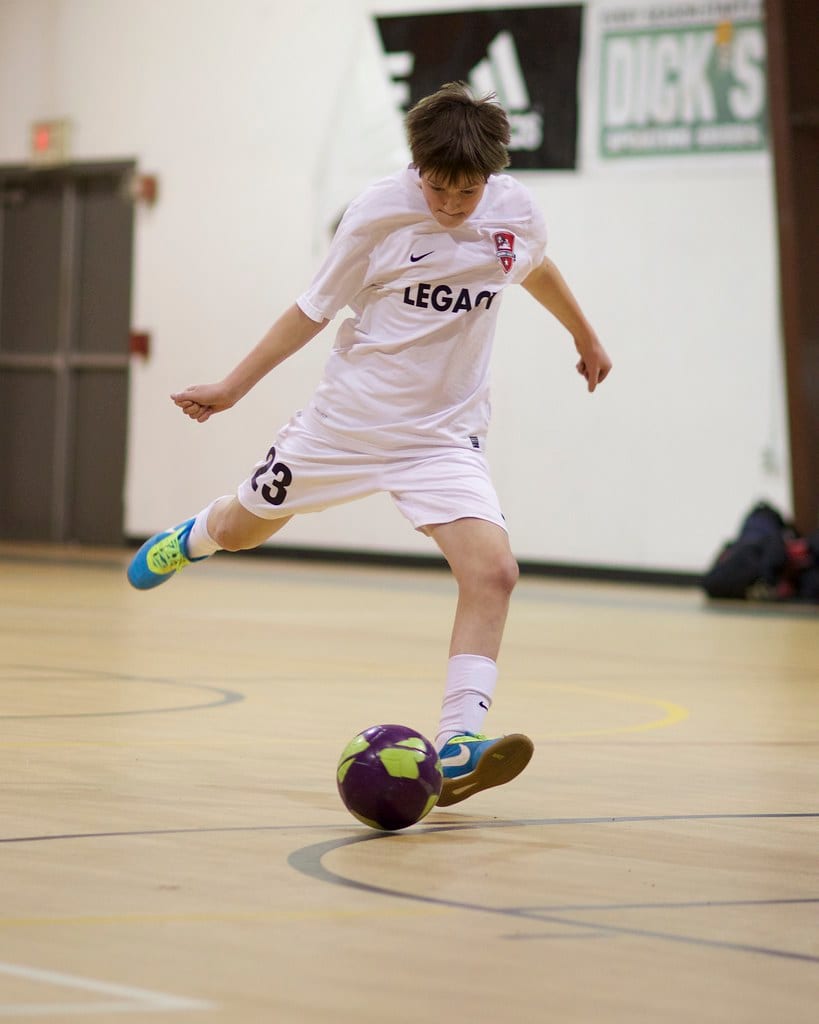
For a person walking toward the camera, begin with AF-C, subject detection, a moderate tracking area, low burst, and around 1/500 sec. Acquire the subject before movement begins and keep focus active through the sequence. If tracking jumps to the background, use a smaller initial area or reduce subject-switching sensitivity when the camera offers that control. Photograph a person standing, then walking toward you. With configured AF-C back-button focus, hold the rear button while they move, release it when they stop on the mark, and make a short sequence. Hold it again if they move closer. Use MF with magnification for a difficult stationary detail rather than treating MF as a cure for all tracking failures.

Common mistakes
- Using AF-S for continuous action
- Confusing AF mode with AF area
- Beginning focus only at the instant of shutter release
- Setting release priority so the camera fires before focus is confirmed
- Switching to Manual Focus without magnification or peaking

Knowledge check
Lesson 02
Focus Points and AF Areas
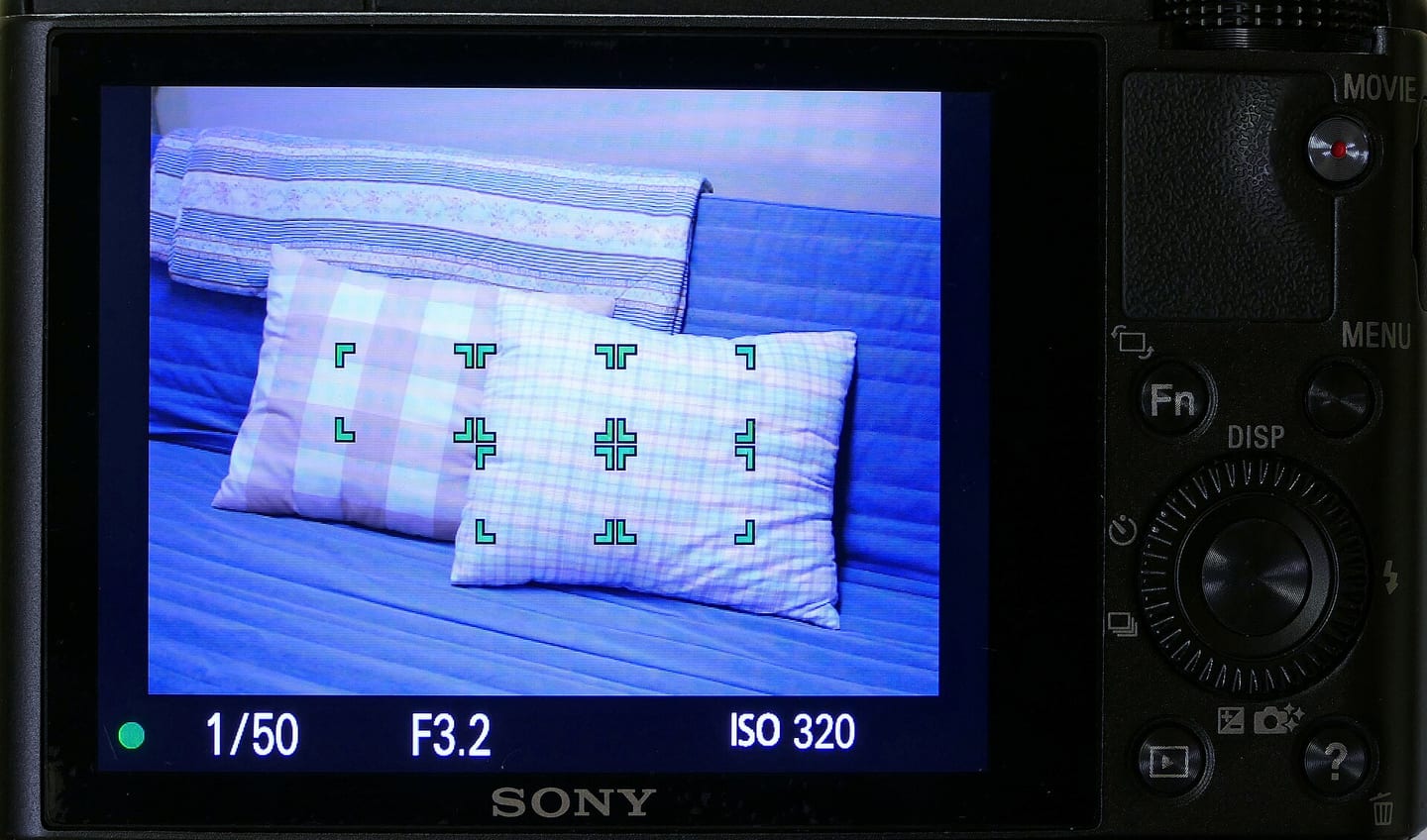
The AF area defines where the camera is allowed to search. A single point offers precision for a still or partially obscured subject. A zone gives a cluster of points for predictable movement. Wide/Auto Area relies more on subject-recognition logic, while tracking follows a selected subject across the frame. Wider areas acquire subjects easily but transfer more choice to the camera. Use the smallest area you can keep on the subject reliably and select the correct detection category—person, animal, bird, or vehicle—when available.
Key takeaways
- Single point is precise for still subjects and cluttered backgrounds
- Zone AF balances control with the ability to follow predictable action
- Tracking is useful for subjects moving unpredictably across the frame
- Wide areas may favor the nearest, brightest, or highest-contrast object
- The ideal area size depends on subject size and your ability to keep it covered
- Moving the AF point onto the subject avoids the errors of large focus-and-recompose movements
- Tracking AF needs an explicit starting target: place a small area over the subject, initiate tracking, and maintain AF-C as it moves. If the frame jumps to another person, reacquire instead of continuing a missed sequence. Eye detection refines focus placement but does not choose your main character for you.
Practical example
A bird isolated against the sky works well with a wide area. The same bird among branches may require a small zone or a carefully initialized tracker. For a player among other athletes, begin tracking on the correct face or body before peak action. If tracking keeps switching to foreground players, reduce the area and hold it over the predicted action zone.
Common mistakes
- Letting Auto Area choose the nearest object instead of the intended subject
- Using a point too small to keep on erratic action
- Selecting the wrong subject-detection category
- Changing several AF settings without diagnosing why focus failed
- Leaving the AF point in an old position and focusing on the background

Knowledge check
Lesson 03
Eye and Face Detection
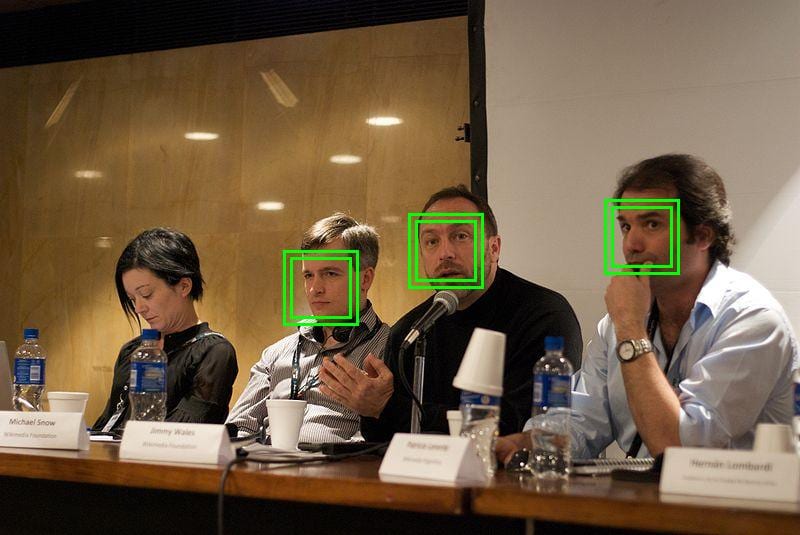
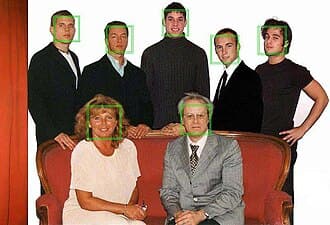
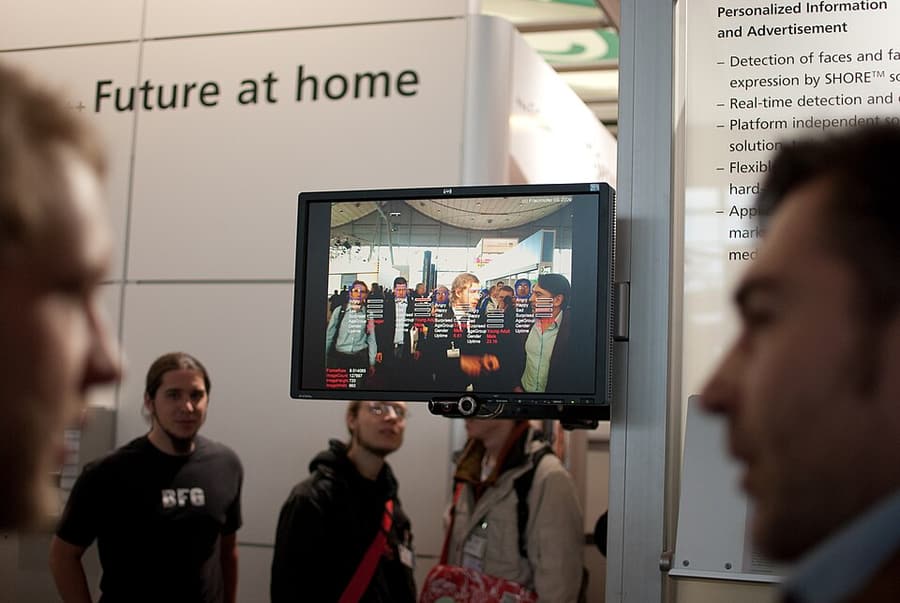
Detection systems often work in stages: identify a person, find a face, then find an eye. Some cameras let you choose left/right eye or register a priority face. The displayed detection box indicates what the algorithm is following; it does not guarantee that shutter speed, depth of field, or final focus is correct. Eye AF performs best when the eye is sufficiently large, visible, and well lit. When a face turns away or becomes too small, switch to a conventional AF area over the head or body rather than waiting for the eye icon.
Key takeaways
- Focus on the eye nearest the camera when depth of field is shallow
- Choose the intended person explicitly in a crowded frame
- Eye AF cannot replace an aperture deep enough for groups on different planes
- Tracking sensitivity and subject-switching behavior must be tested on your camera
- A soft eye can result from motion blur or shallow depth of field, not only AF failure
- Be ready to fall back to zone or point AF in low light or when the face is hidden
Practical example
At f/1.8, the near eye may be sharp while the far eye is soft. Select the near eye instead of allowing the camera to alternate. With two people, initialize tracking on the primary face and align them at similar distances or stop down enough to cover both. Eye AF cannot make two different focus planes simultaneously sharp.
Common mistakes
- Failing to check which person the camera is tracking
- Assuming an Eye AF icon guarantees a sharp file
- Using 1/60 sec for a talking subject and misdiagnosing motion blur as AF error
- Forcing one eye preference when the subject's head angle changes
- Expecting subject detection to work equally in every light and obstruction
Knowledge check
Lesson 04
Focus and Recompose
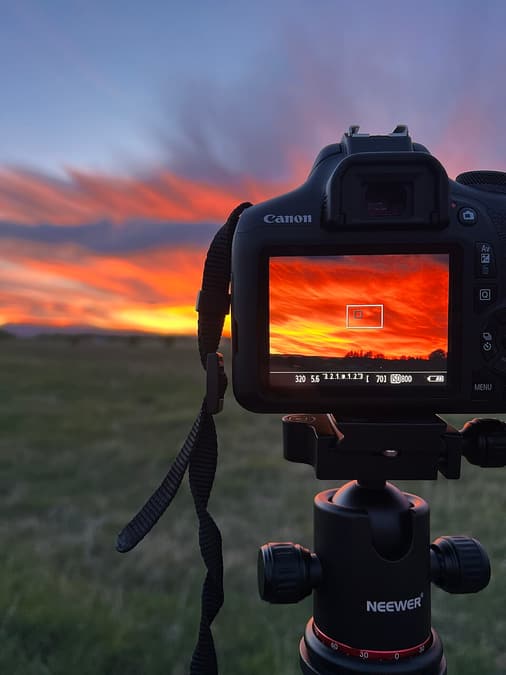
Focus and recompose means acquiring focus, holding that distance, and rotating the camera to adjust composition. As the camera rotates, the sensor-to-subject distance may no longer match the original focus plane. The error is easy to hide at moderate apertures or long distances but obvious in close portraits with fast telephoto lenses. The method remains useful for still scenes and cameras with limited AF coverage. Placing an AF point directly on the subject, using touch focus, or tracking is safer when depth of field is thin.

Key takeaways
- Lock focus before changing the composition
- Do not lean forward or backward after focus is locked
- Larger rotations increase focus-plane error
- AF-S is easier for this technique because AF-C may keep updating
- Direct AF-point placement is safer at close distances and wide apertures
- High-resolution output makes small focus errors more visible

Practical example
At 1 m with an 85 mm lens at f/1.8, focusing with the center point and rotating the eye toward a rule-of-thirds position can move the eye outside the sharp plane. At f/8 from 4 m, the larger depth of field may hide the same geometric error. The skill is knowing the safe conditions, not banning the method entirely.
Common mistakes
- Rotating through a large angle at maximum aperture
- Leaning while recomposing
- Accidentally releasing half-press and refocusing on the background
- Using AF-C without a focus lock
- Blaming the lens when errors occur only after a large recompose movement

Knowledge check
Lesson 05
Depth of Field and Hyperfocal Distance
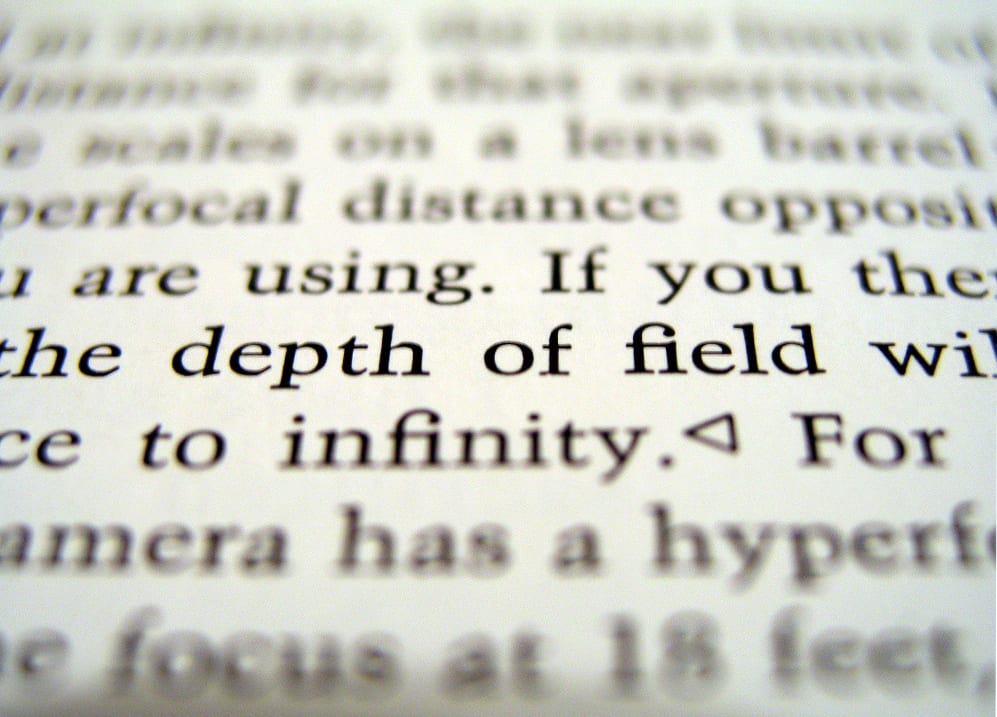
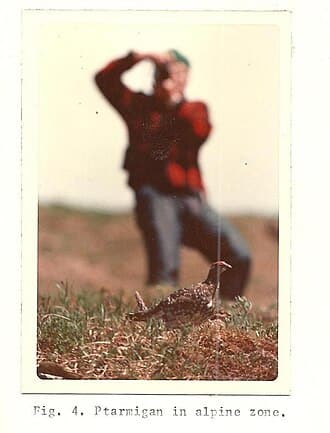
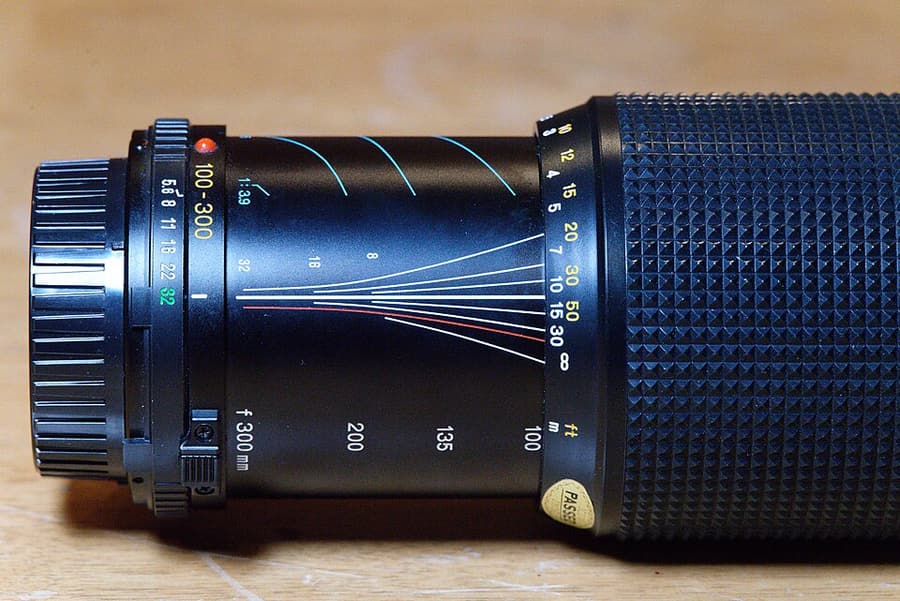
Depth of field depends on aperture, focal length, focus distance, sensor format, output size, and viewing distance. Stopping down, using a shorter focal length, or increasing camera-to-subject distance generally deepens the acceptable focus range; moving closer, opening the aperture, or using a longer lens makes it thinner. Hyperfocal distance is calculated from focal length, aperture, and a chosen circle of confusion. Focusing there makes objects from roughly half that distance to infinity acceptably sharp for the assumed output—not perfectly sharp everywhere.
Key takeaways
- Acceptable sharpness depends on output size and viewing distance
- Depth of field usually extends farther behind the focus plane, but not by a fixed one-third rule
- Focusing one-third into a landscape is only an estimate, not a universal law
- Hyperfocal focus trades maximum infinity sharpness for a broader acceptable range
- Very near foreground plus infinity may require focus stacking
- Excessively small apertures can lose detail through diffraction and force slow shutter speeds
- Automatic focus bracketing only moves the focus point; frames still need adequate overlap plus fixed composition and exposure
Practical example
With a 24 mm lens at f/8, focusing into the scene often covers more foreground than focusing at infinity. If a foreground rock is 0.5 m away and mountains are at infinity, one frame may still be insufficient for a large detailed print. Move the foreground farther away or make near, middle, and infinity focus frames for stacking.
Common mistakes
- Believing hyperfocal distance makes every point perfectly sharp
- Applying the one-third guideline to every scene
- Stopping down to the minimum aperture without considering diffraction
- Trusting a depth-of-field calculator without checking the real output
- Confusing out-of-focus blur with motion blur or poor lens quality

Knowledge check
Lesson 06
Why Photographs Look Soft—and How to Fix Them
Camera shake often creates similarly directed trails across static details. Subject motion blurs only the moving region while the background remains sharp. Missed focus leaves another distance sharper than the intended subject. Optical softness tends to repeat at a particular aperture, focal length, or frame position. Diagnose in order: locate the sharpest area, read shutter speed, inspect the direction of blur, compare neighboring frames, and check EXIF or recorded AF information. Sharpening only increases edge contrast; it cannot recreate detail that was never captured.
Key takeaways
- A common blur direction across the frame usually points to camera shake
- A blurred subject against a sharp background usually needs a faster shutter
- Sharp detail in front of or behind the subject indicates a focus-placement problem
- Uniform softness at high shutter speed can involve haze, a poor filter, noise reduction, or diffraction
- One frame is not enough to diagnose lens calibration; use controlled repeated tests
- EXIF, AF-point data, and adjacent frames narrow the cause before editing begins
- IBIS moves the sensor to counter camera movement; optical stabilization moves lens elements. Neither stops subject movement. Compare enabled/disabled at the same focal length and shutter speed to find your own limits; follow the camera/lens guidance for tripod use rather than applying one rule to every system.

Practical example
If a background sign is sharp but a moving hand is blurred, autofocus is not the problem. If both show the same diagonal trail, camera movement is likely. If the sign behind the face is crisp with no trail, AF selected the background or lagged behind. Those three appearances need three different corrections: stabilize the camera, increase shutter speed, or improve AF placement/tracking.

Common mistakes
- Applying strong sharpening to missed focus or motion blur
- Blaming the lens before checking shutter speed and AF placement
- Diagnosing from a small camera-screen preview
- Testing a lens handheld and mistaking shake for optical softness
- Confusing aggressive noise reduction with a focus problem