Chapter 04
Light
Read the direction, quality, contrast, and color of light before pressing the shutter.
Recognize and shape natural light to match the intention of a photograph.
Photograph one subject beside a window from four different lighting directions.
Lesson 01
Direction, Intensity, Contrast, and Color
Before photographing, describe four properties of the light. Direction determines where shadows fall and which surfaces gain shape. Intensity affects exposure. Contrast describes the difference between highlights and shadows. Color comes from the source spectrum and the surfaces reflecting light into the subject. Look at shadow edges to judge hardness, catchlights to infer source shape, and the bright–dark relationship to decide whether to move the subject, diffuse, reflect, or subtract light.

Key takeaways
- Direction creates shape and reveals or hides texture
- Intensity and softness are separate qualities
- A large source relative to the subject produces softer shadow transitions
- Distance changes both intensity and the apparent size of a source
- High-contrast scenes can exceed the camera's usable dynamic range
- Walls, ceilings, foliage, and clothing can reflect unwanted color onto a subject
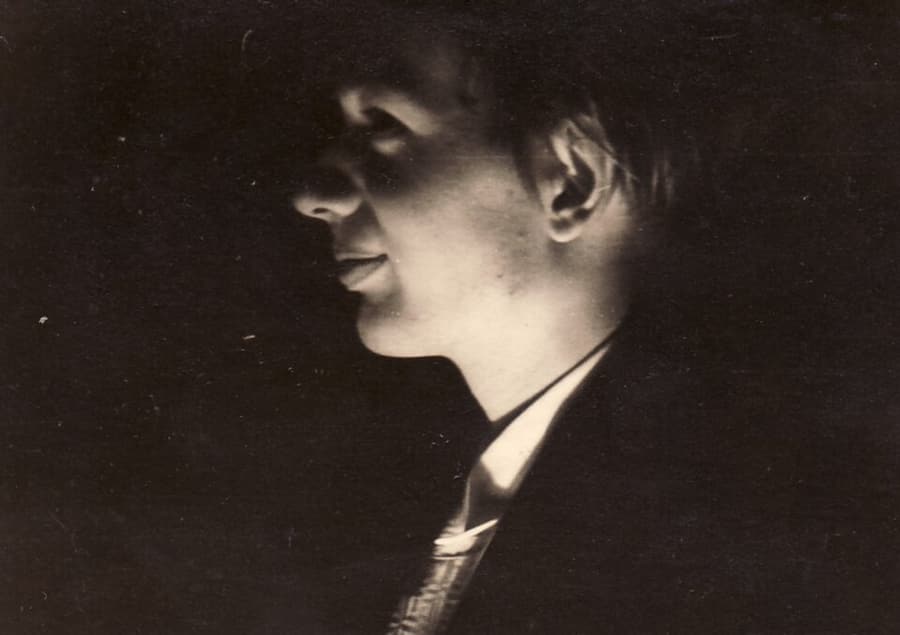
- Low-key preserves a mostly dark frame with controlled highlights; high-key lifts tones with soft light while retaining subject detail

Practical example
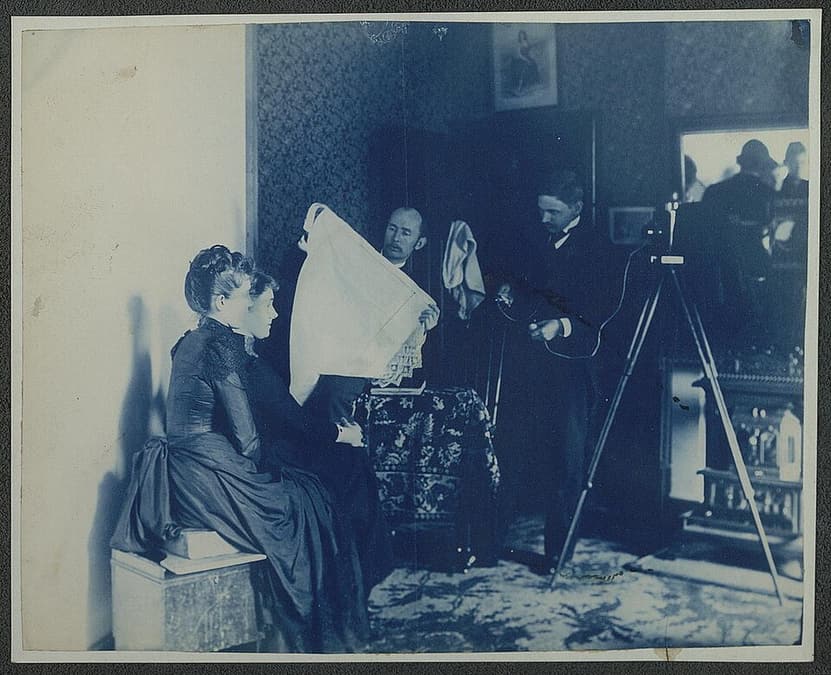
Place a person close to a window and the window becomes a large, soft source. Turn the face about 45° to create shape. A white board on the dark side lowers contrast; a black board subtracts fill and deepens the shadow. Moving the person farther away makes the source dimmer and relatively smaller. The same window can therefore create several looks without adding another light. For low-key, use a dark background, limit fill, and expose for the important bright areas rather than lifting the whole image. For high-key, place the subject against a bright background or broad soft source, raise exposure deliberately, and check that skin and white fabric still retain texture instead of becoming blank clipping.
Common mistakes
- Describing light only as “enough” or “not enough”
- Looking at the source but not the shadows and highlights it creates
- Ignoring color reflected from nearby surfaces
- Changing several lighting variables at once
- Raising every shadow until the image loses direction and depth
Knowledge check
Lesson 02
Hard Light and Soft Light
Hard light creates sharp-edged shadows and strong local contrast; soft light creates gradual transitions. Softness depends on the apparent size of the source relative to the subject. The distant sun appears small and creates hard shadows, while a nearby window may appear large to a face. Hard light emphasizes texture, wrinkles, and geometry. Soft light smooths tonal transitions and is forgiving on skin. Neither is inherently better: choose according to the story, then control contrast with diffusion, fill, or negative fill.
Key takeaways
- The sharper the shadow edge, the harder the light
- Direct clear-sky sunlight is usually hard light
- Open shade, overcast sky, and large windows can produce soft light
- Moving a source closer makes it larger relative to the subject and therefore softer
- Diffusion works when the diffusion surface becomes a sufficiently large new source
- Soft light still needs direction; soft does not mean flat
Practical example
Midday sun creates a sharp nose shadow. Move the subject into open shade facing a bright area of sky: the sky becomes a large source and skin transitions become smoother. Keep the subject near the edge of shade and turn them 30–45° to preserve direction and catchlights. A nearby white wall can fill shadows; a black surface can restore shape if the light becomes too flat.
Common mistakes
- Assuming overcast light automatically creates a good photograph
- Confusing soft light with weak or flat light
- Placing diffusion badly so the apparent source does not become larger
- Filling shadows so strongly that shape disappears
- Evaluating skin while ignoring the background shadow and separation
Knowledge check
Lesson 03
Front, Side, Back, and Rim Light
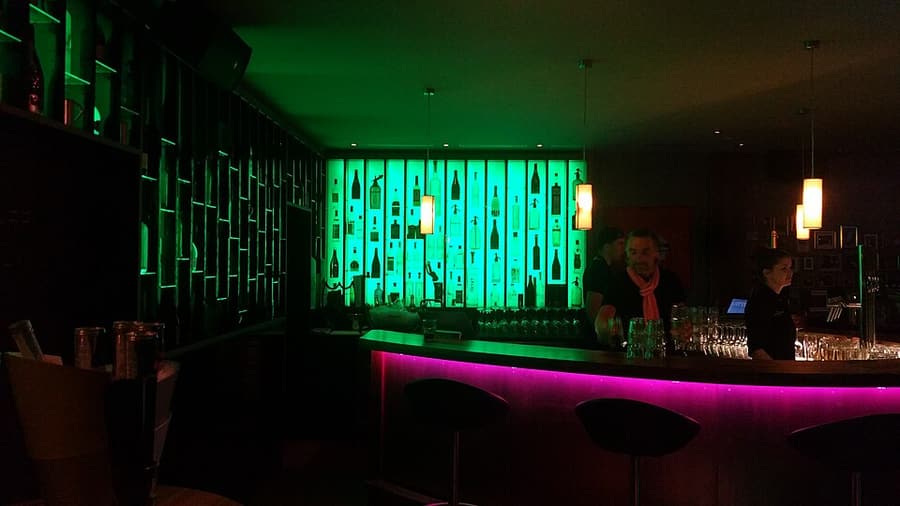
Lighting direction is defined by the relationship between source, subject, and camera. Front light sits close to the camera axis and sends most shadows behind the subject. Side light travels across surfaces and reveals form. Backlight points toward the camera and may create silhouettes, flare, or glowing edges. Rim light is narrow back/side light visible along the subject's outline. Walk around the subject before adding equipment. Observe the face, shadow, texture, and background at 0°, 45°, 90°, and 180° to the source.

Key takeaways
- Front light reveals detail and color but reduces surface modeling
- Side light creates three-dimensional form and emphasizes texture
- Backlight requires a decision: expose the front, add fill, or make a silhouette
- Rim light separates a subject only when the bright edge contrasts with the background
- Changing camera or subject position can transform direction without new gear
- Lens flare can lower contrast and should be controlled or used deliberately
- A silhouette needs the bright background metered and fill removed; flare is useful only when it serves the subject or mood
Practical example
Place a window 45° from a face for modeled side light and use a reflector to control the dark side. Turn the subject until the window sits behind one shoulder: hair and shoulders glow, but the face needs its own exposure decision. Use a hood, shade the lens, or move a few degrees to change flare without losing the backlit effect. For a silhouette, separate the subject from a sunset or bright window, meter the background, and do not add front fill. To introduce lens flare intentionally, move the source to the edge of an object or partly into the frame, then check that flare does not obscure essential detail.
Common mistakes
- Metering for the background in backlight and unintentionally underexposing the face
- Using front light for every subject and losing dimensional form
- Creating rim light against a bright background where the edge disappears
- Filling side light until all modeling is removed
- Confusing light direction with face direction

Knowledge check
Lesson 04
Golden Hour, Blue Hour, and Midday Light
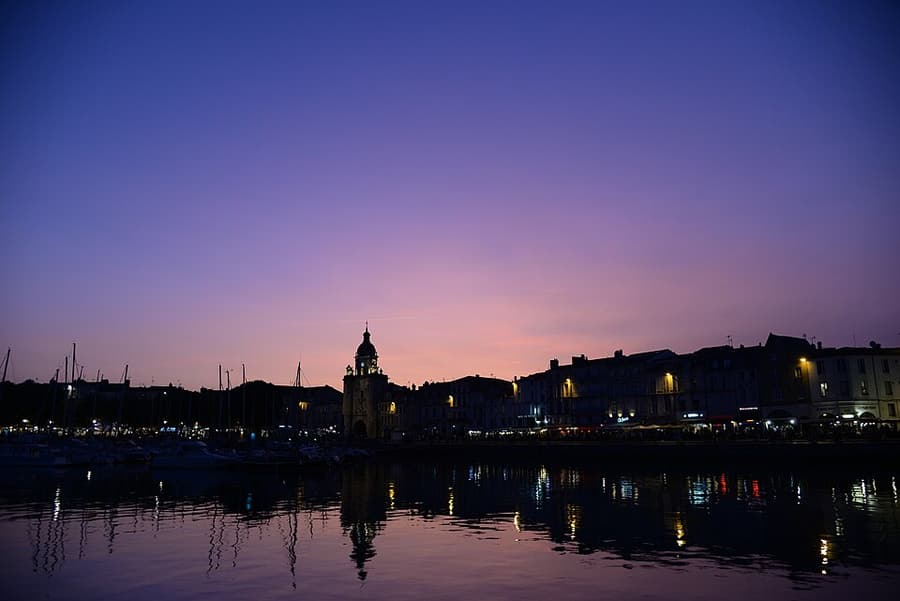
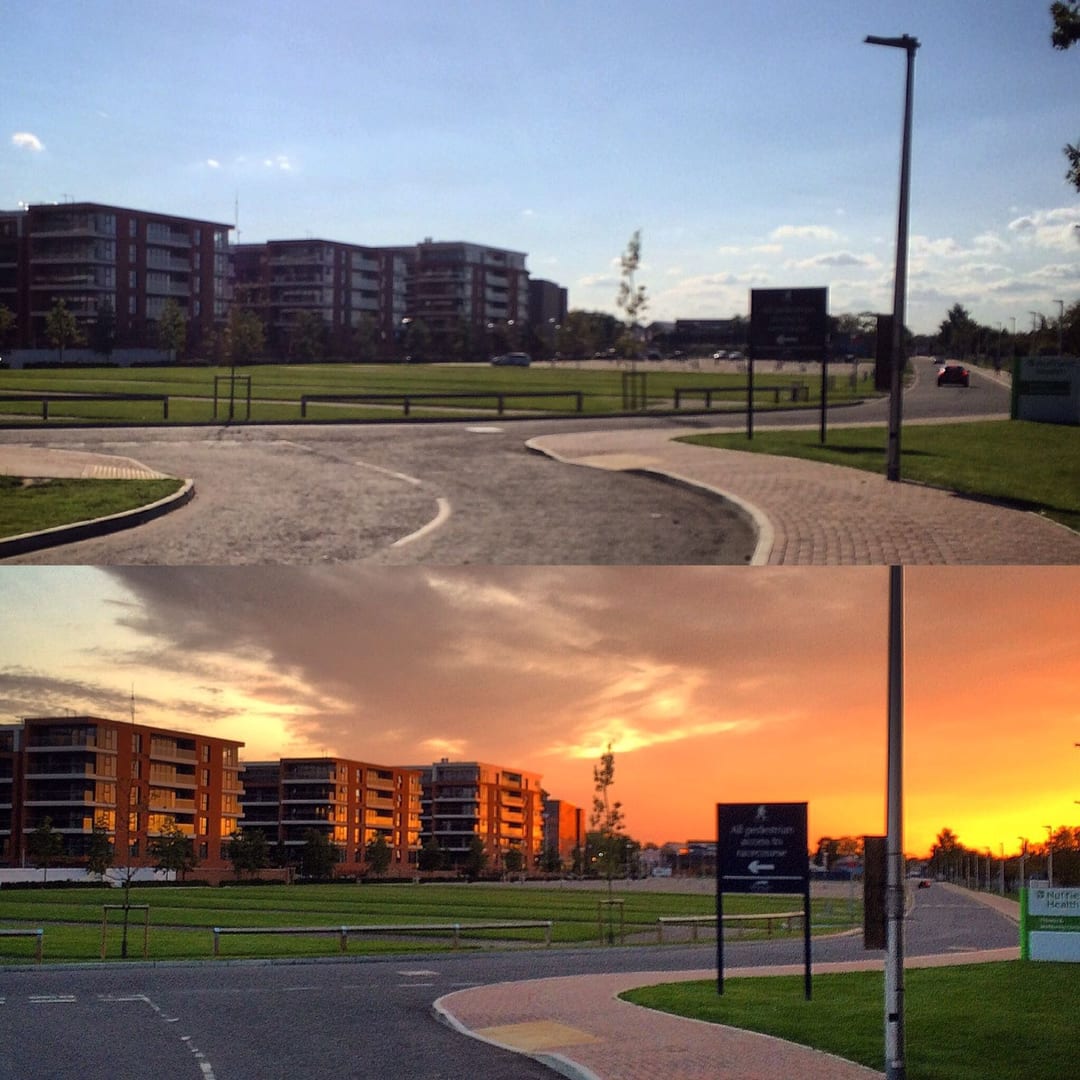
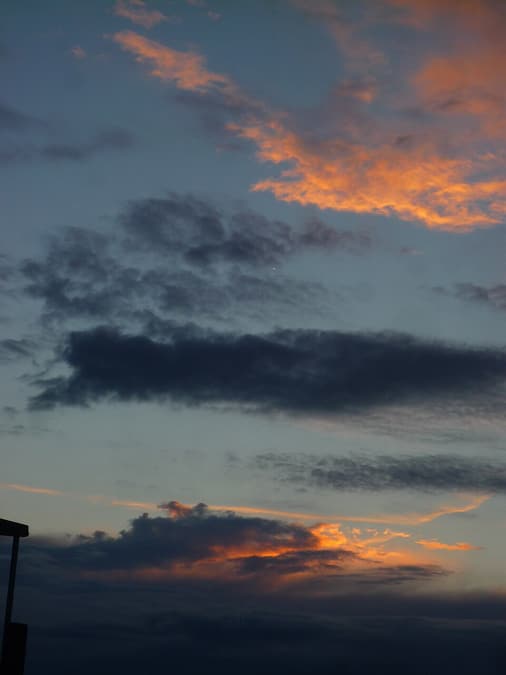
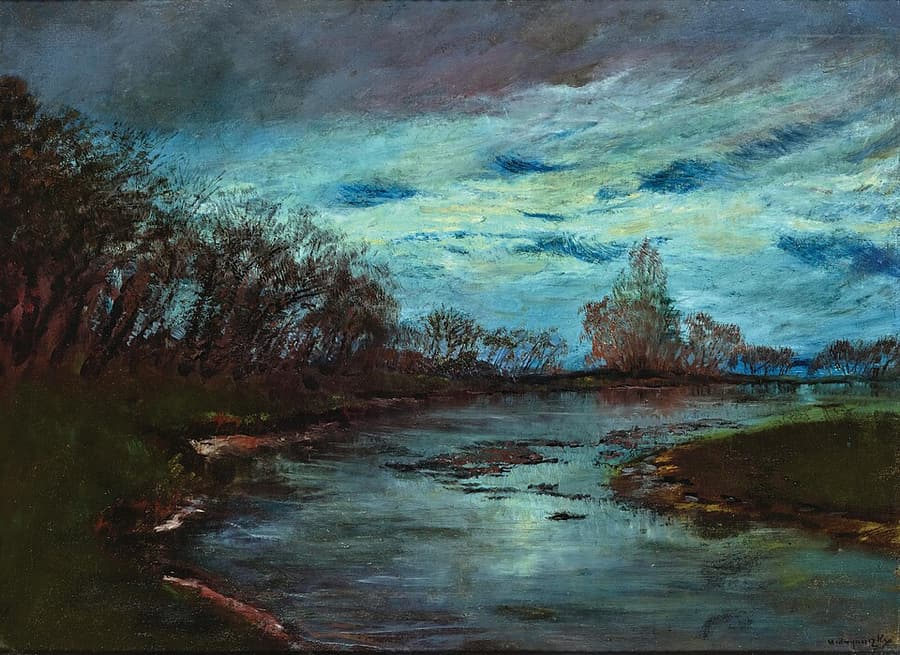
Golden and blue “hours” are not always sixty minutes; their duration depends on season, latitude, weather, and horizon obstructions. Golden hour occurs with a low sun, warm color, and long shadows. Blue hour appears before sunrise or after sunset when cool skylight can balance artificial city lights. Midday sun creates short shadows and high contrast, but it can produce strong geometry, saturated color, reflections, and useful bounced light in streets and courtyards.
Key takeaways
- Golden-hour conditions change quickly, so composition should be scouted first
- Blue hour often requires a tripod and careful protection of bright lamps
- Midday can be used through open shade or deliberate hard-shadow design
- Sun-direction planning helps select the correct facade, background, and viewpoint
- Clouds, haze, mountains, and buildings may block warm light despite correct timing
- Locking white balance keeps a panorama or time sequence consistent
Practical example
A west-facing building may receive warm evening light, then enter a brief blue-hour balance between cool sky and warm interior lamps. Arrive 30–45 minutes early, settle the composition, and photograph through low sun, afterglow, and blue hour. The strongest balance may last only a few minutes and is easier to recognize from a fixed frame.
Common mistakes
- Arriving during golden hour without a known viewpoint
- Trusting an app without checking weather and obstructions
- Believing midday light is unusable
- Allowing Auto WB to vary across a sequence
- Brightening blue hour until it no longer feels like dusk
Knowledge check
Lesson 05
Window Light, Reflectors, Flash, and Continuous Light
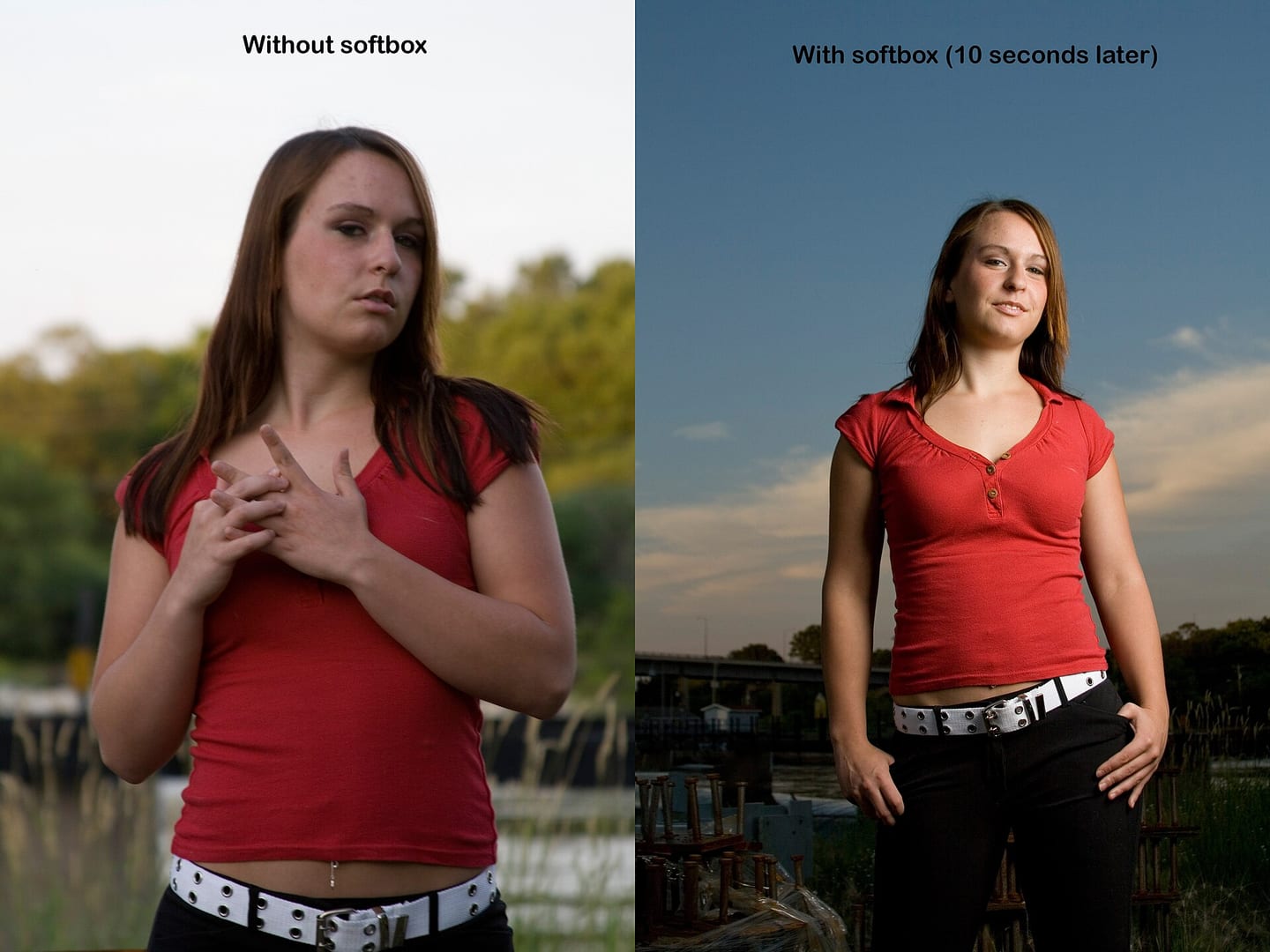
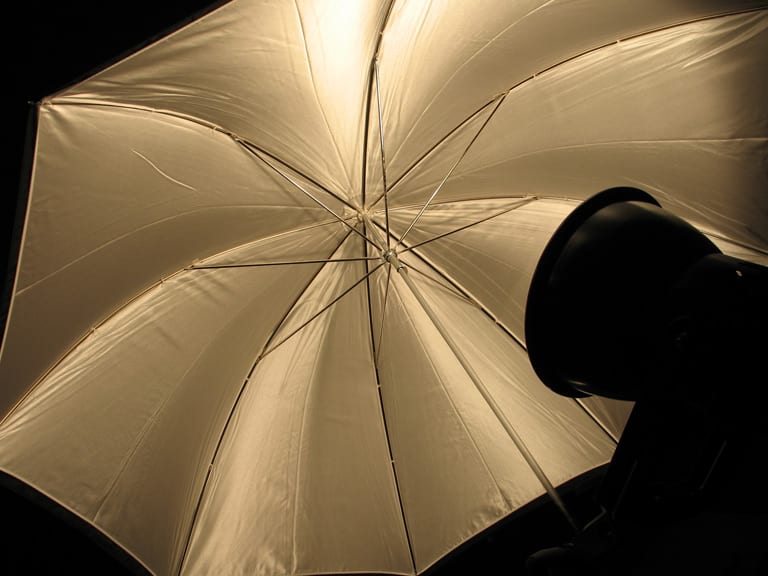
Each tool solves a different problem. A window offers a large directional source but changes with time. A reflector redirects existing light. Flash provides high power in a short pulse. Continuous light is easy to preview and works for video, but it is often less powerful than flash. Distance and angle matter. A close reflector fills more strongly; rotating it moves the reflected patch. Bouncing flash from a wall or ceiling turns that surface into a larger source, while its color and distance influence both color and output.
Key takeaways
- White reflectors provide gentle fill, silver provides stronger fill, and black flags subtract light
- Reflector effect becomes stronger as it moves closer
- Bounce flash generally looks more natural than direct on-camera flash
- Continuous light is easy to observe but may require higher ISO or wider apertures
- Within sync limits, shutter speed mainly changes ambient exposure while flash power, aperture, and ISO affect flash exposure
- Stands and modifiers must be secured with weights for safety
- Fill flash should lift shadows only enough to leave the natural source looking primary
- Slow sync combines flash with a slow shutter; rear-curtain sync fires at the end so a motion trail falls behind the subject
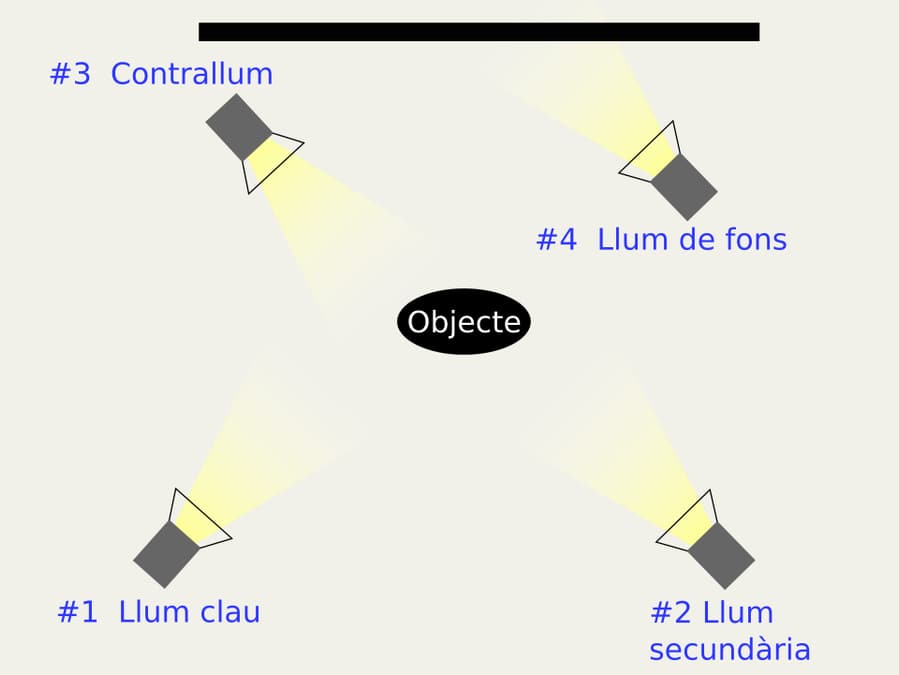
- Off-camera flash creates more directional modeling than flash aimed straight from the camera, but its stand and surroundings must remain safe
Practical example
Place white card just outside the frame on the shadow side of a product to lift it; replace the card with black to create a dark edge on a reflective surface. For a portrait, bounce flash into a white side wall rather than the ceiling directly overhead. Do not bounce from a colored wall unless the color cast is intentional. Outdoors, use gentle fill flash to open shadows under the eyes while preserving the sun's direction. At night, try slow sync around 1/8–1/30 sec; use rear-curtain sync for a moving person or vehicle so flash records the subject at the end of the trail. For deliberate modeling, place the flash off-camera at 45°, diffuse it, and trigger it remotely rather than increasing direct-flash power.
Common mistakes
- Placing the reflector too far away to make a visible difference
- Using silver too close and creating glare or hard hotspots
- Firing direct flash that flattens the face and casts a harsh background shadow
- Bouncing into a colored or very high ceiling
- Leaving a stand unweighted in wind or foot traffic
Knowledge check
Lesson 06
White Balance and Color Temperature
White balance uses a blue–yellow temperature axis and a green–magenta tint axis. Setting a lower Kelvin value makes the rendered image cooler; a higher value makes it warmer. Tint corrects spectral imbalances common with fluorescent, LED, and reflected light. Neutral accuracy and expressive appropriateness are not always identical. Fully neutralizing a sunset removes its warmth; urban night photographs may depend on a blue–amber contrast. Preserve believable skin and important object colors while choosing atmosphere deliberately.
Key takeaways
- Auto WB is useful in many changing situations
- RAW allows flexible white-balance adjustment after capture
- A neutral gray card is a better reference than a clipped or colored white object
- Kelvin controls blue–yellow; tint controls green–magenta
- Lock white balance for consistent panoramas, video, and series work
- Mixed-color sources on the same face cannot always be fixed with one global adjustment
Practical example
Under tungsten light near 3200K, setting the camera near 3200K can render a white object neutral; 4500K preserves a warmer room feeling. If daylight and tungsten strike opposite sides of a face, turn off one source, gel one to match, reposition the person, or keep the contrast intentionally. A single global slider cannot neutralize two different colors at once.
Common mistakes
- Sampling from a clipped highlight as if it were neutral
- Correcting temperature while ignoring green or magenta tint on skin
- Neutralizing every warm or cool atmosphere
- Leaving mixed sources on the face and trying to repair everything globally
- Allowing Auto WB to shift between images in one series