Chapter 01
Photography Foundations
Understand the camera in your hands and how a photograph is made.
Set up your camera, choose a file format, and consistently make a sharp photograph.
Photograph the same high-contrast scene in RAW and JPEG, then compare detail and color flexibility.
Lesson 01
How a Camera Makes a Photograph
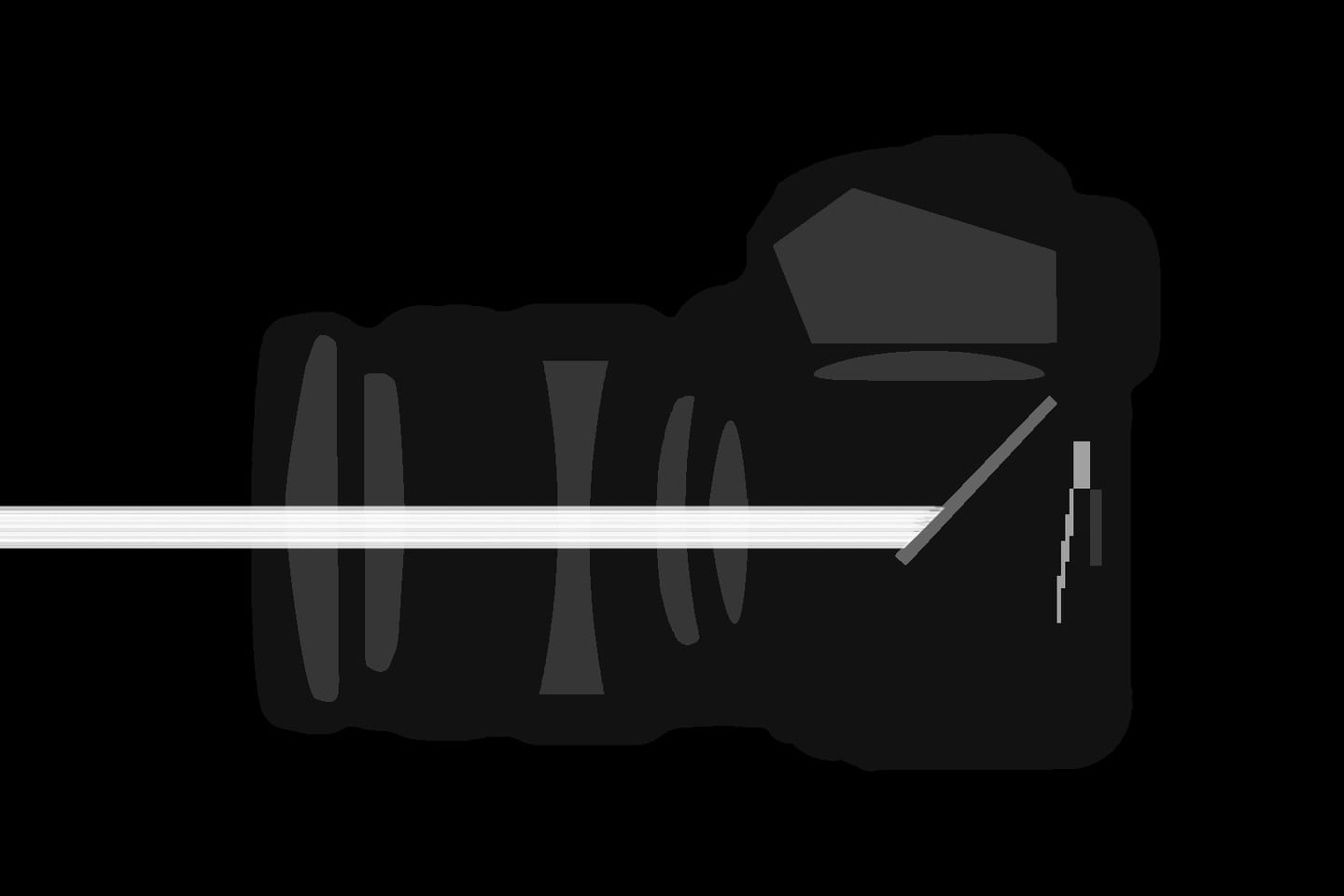
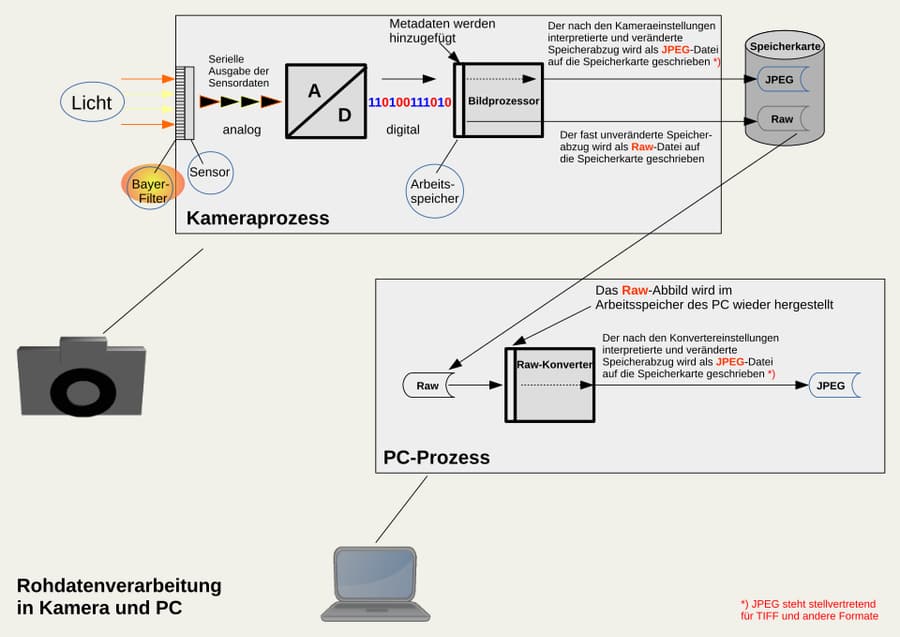
Light reflected by the scene enters the lens and is focused onto the sensor. The aperture controls how much light passes through the lens, while the shutter—or electronic readout—controls how long the sensor records it. The camera then converts the signal into digital data and saves a RAW file or processes it into a JPEG. Every exposure control also changes the look of the image. Aperture affects depth of field, shutter speed changes how motion is rendered, and ISO influences noise and dynamic range. Choose the visual result first, then balance brightness.
Key takeaways
- The lens gathers and focuses light onto the sensor
- Aperture, shutter speed, and ISO work together to determine image brightness
- One stop doubles or halves brightness: f/4 to f/2.8, 1/125 to 1/60, or ISO 400 to 800 each adds one stop
- Aperture changes depth of field; shutter speed changes motion; ISO changes signal quality
- RAW preserves flexible sensor data, while JPEG includes more in-camera processing
- The histogram and highlight warning are more dependable than screen brightness for judging exposure
Practical example
At 1/125 sec, f/4, ISO 400, an image that is one stop too dark can be corrected with 1/60 sec, f/2.8, or ISO 800. All three brighten the photograph equally, but not in the same way. For a walking subject, 1/60 sec may blur movement; f/2.8 makes depth of field shallower; ISO 800 preserves motion and depth of field but adds noise. The best choice protects the feature that matters most.
Common mistakes
- Treating aperture, shutter speed, and ISO as identical brightness controls
- Changing several settings at once and losing the cause-and-effect relationship
- Believing ISO makes the sensor physically gather more light
- Judging exposure only from the camera screen outdoors
- Optimizing settings before deciding what motion and depth of field should look like
Knowledge check
Lesson 02
DSLR, Mirrorless, Compact, and Phone Cameras
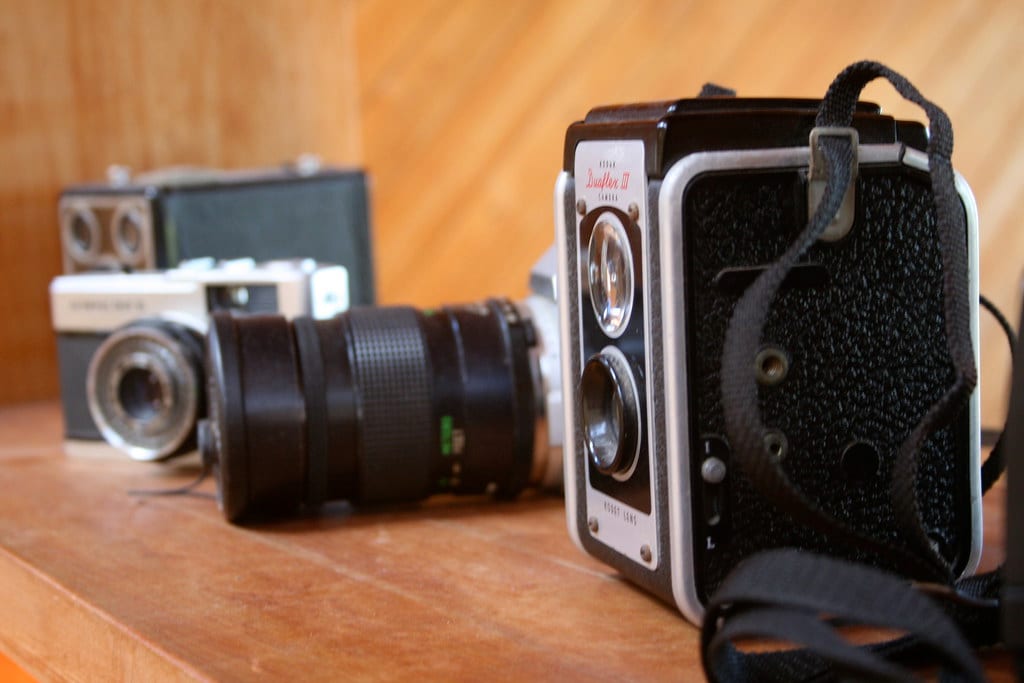
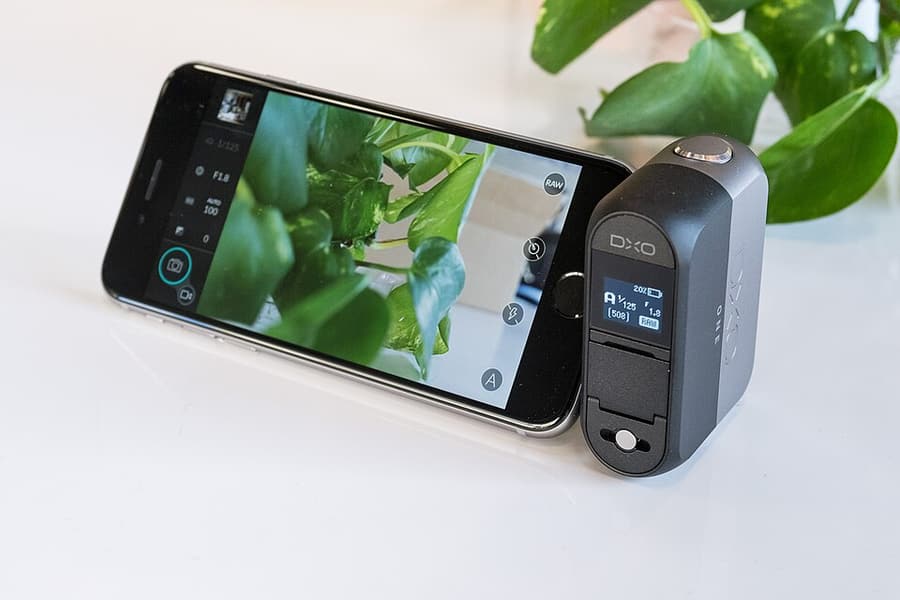
Every camera type trades image quality, size, lens choice, speed, and convenience differently. A DSLR uses a mirror to provide an optical viewfinder; a mirrorless camera reads directly from the sensor; a compact has a fixed lens; a phone combines small cameras with computational processing. Choose a system rather than a specification sheet. Consider lenses, batteries, autofocus, controls, repair support, total weight, and long-term cost. The best camera is the one that meets the assignment and is comfortable enough to carry.
Key takeaways
- DSLRs offer an optical viewfinder and strong battery life but are usually larger
- Mirrorless cameras provide exposure preview and modern subject-detection autofocus
- Compacts are portable and simple but offer limited expansion
- Phones excel at availability, automation, HDR, and computational night photography
- Larger sensors can help in low light and with depth-of-field control, but usually require larger lenses
- Handling, lens availability, and total system cost matter as much as body specifications
Practical example
A parent photographing children may value mirrorless Eye AF; a hiker may choose a compact or phone for weight; a sports photographer needs tracking, buffer depth, and telephoto lenses; a studio photographer may prioritize tethering and lens support. The same budget should produce different kits for these people. Buying the highest-megapixel body would not solve their different operational needs.
Common mistakes
- Choosing a camera mainly by megapixel count
- Buying a system so large that it stays at home
- Ignoring the price and weight of future lenses
- Comparing cameras only with sample images made in ideal light
- Changing systems to solve a problem caused by technique or workflow
Knowledge check
Lesson 03
Focal Length, Sensor Size, Megapixels, and Crop Factor
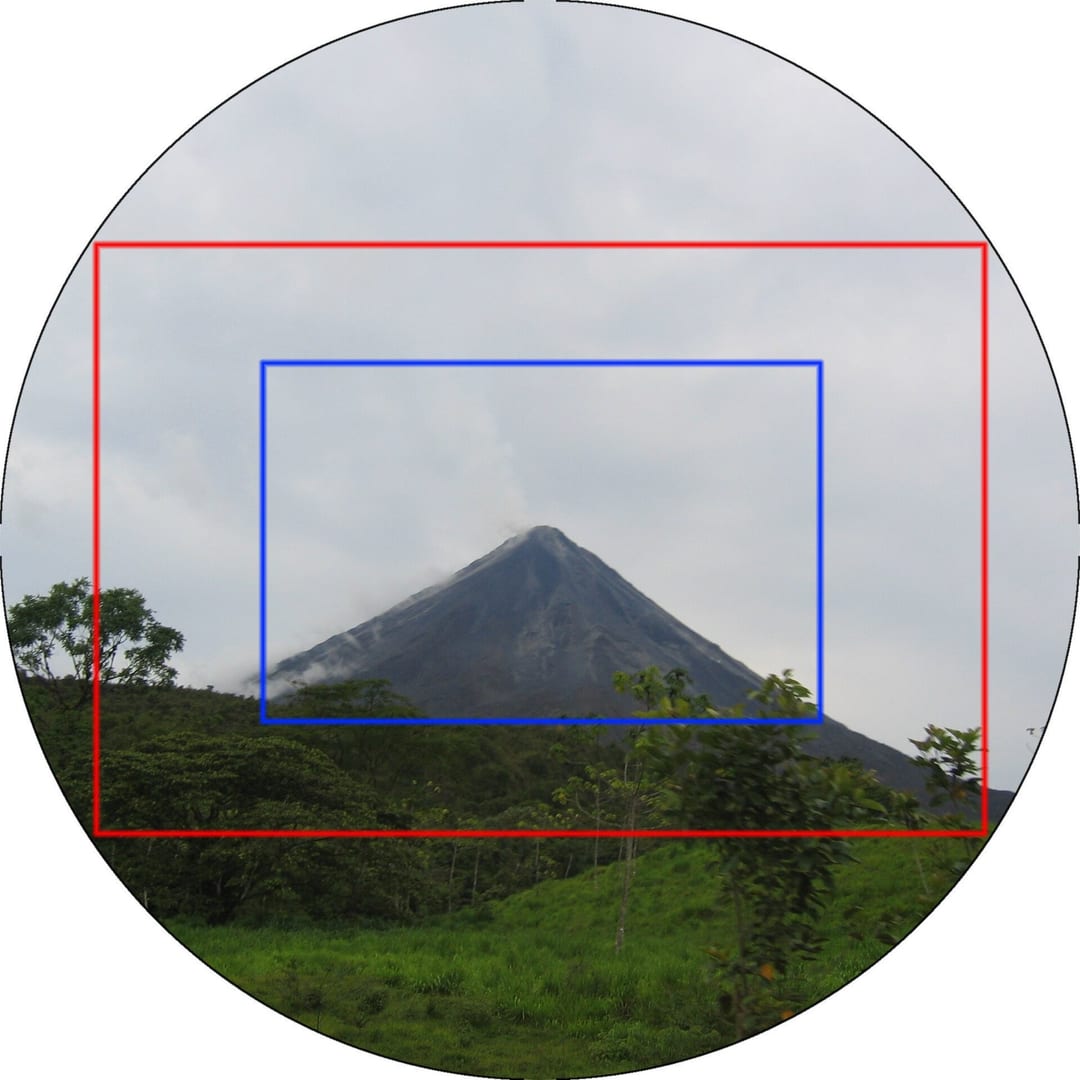
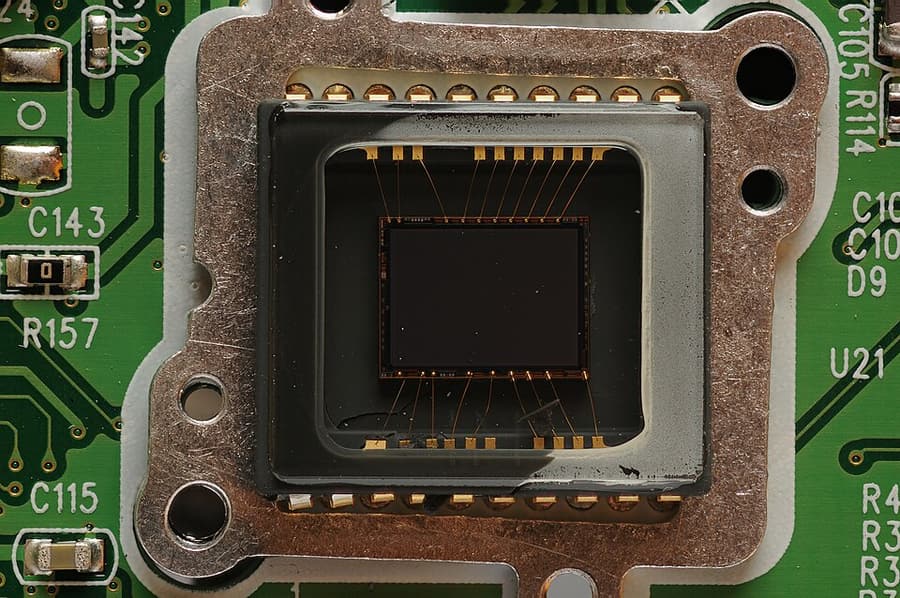
Focal length determines angle of view on a given sensor. A shorter focal length includes more of the scene; a longer one includes a narrower section. A smaller sensor records the center of the lens's image circle, producing a narrower field of view than the same lens on a larger sensor. Megapixels describe file dimensions and potential resolution, not color, timing, composition, or overall quality. Real detail also depends on focus, camera movement, lens performance, noise, processing, and the final viewing size.
Key takeaways
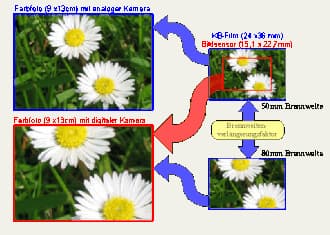
- Full-frame-equivalent focal length equals physical focal length multiplied by crop factor
- Crop factor compares angle of view; it does not change the physical focal length printed on the lens
- Larger sensors often collect more total light for an equivalent composition and can offer cleaner high-ISO files
- Doubling megapixels does not double image width or height; each dimension rises by about the square root of two
- High resolution helps with large prints and cropping only when focus, lens quality, and stability support it
- Sensor size, pixel density, and processing generation all influence performance
Practical example
A 35 mm lens on a 1.5× APS-C camera has an angle of view similar to about 52 mm on full frame, but it remains a physical 35 mm lens. A 24 MP 3:2 file is roughly 6000 × 4000 px and can print about 20 × 13.3 inches at 300 ppi before resampling. Cropping away half the pixels leaves 12 MP, so the original printing flexibility is no longer available.
Common mistakes
- Saying crop factor physically turns one lens into another focal length
- Equating more megapixels with better color or dynamic range
- Comparing depth of field across formats without matching angle of view and subject size
- Buying very high resolution without planning storage and processing capacity
- Using digital crop instead of improving position and framing when possible
Knowledge check
Lesson 04
RAW and JPEG
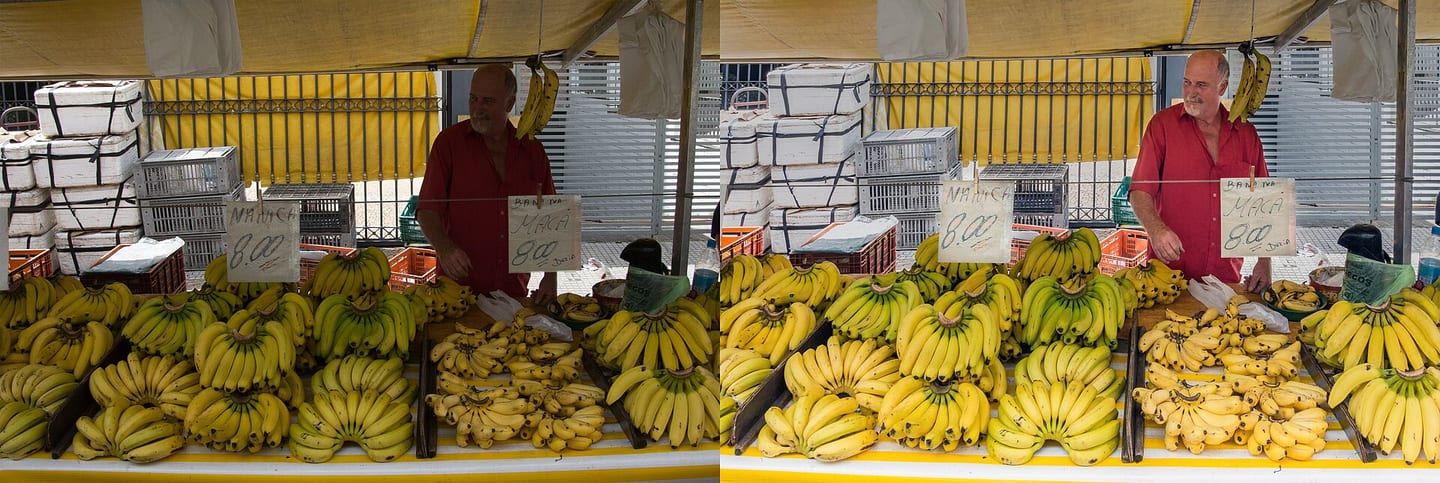
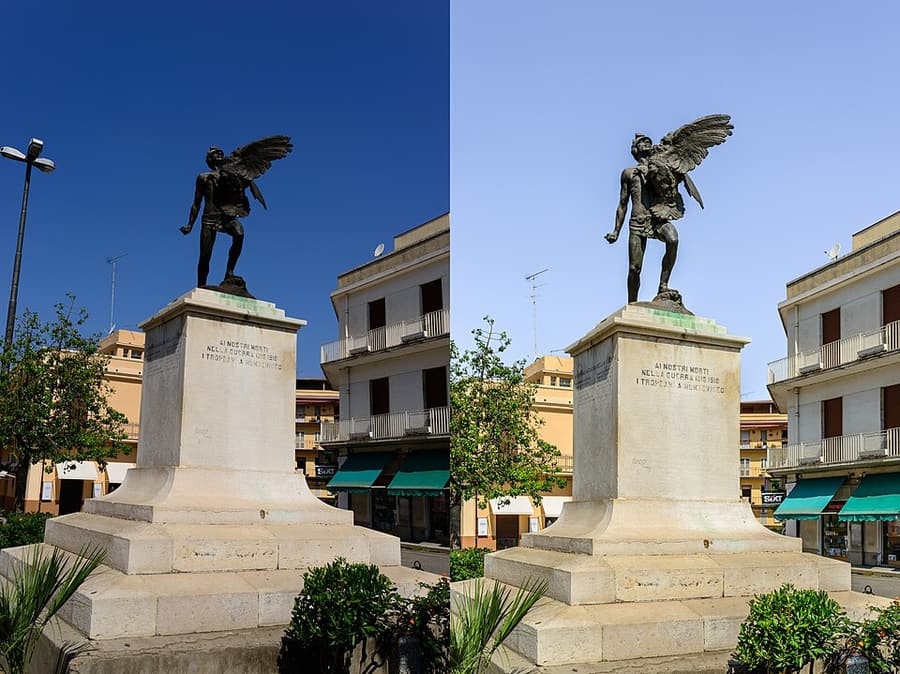
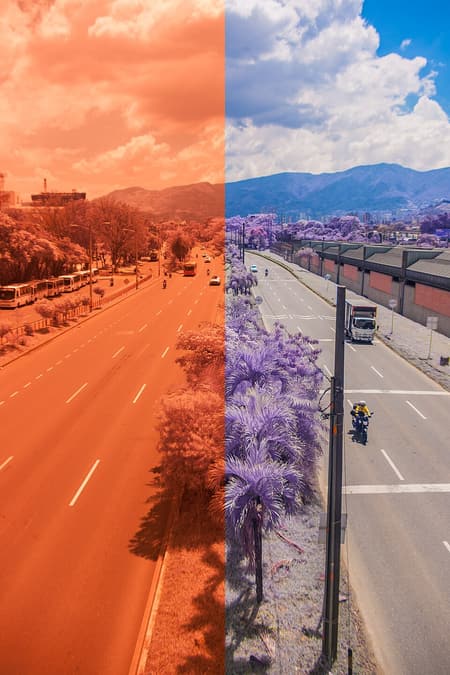
A RAW file contains sensor data, metadata, and a preview rather than a finished rendering. Editing software must interpret it through a camera profile, white balance, tone, color, and sharpening. A JPEG has already received many of those decisions in camera and is compressed into a smaller, shareable file. RAW is most useful in high-contrast scenes, mixed light, or color-critical work. JPEG is reasonable when light is controlled, delivery must be immediate, and little editing is expected. Format choice should support both the image and the delivery workflow.
Key takeaways
- RAW retains more highlight, shadow, and color-editing flexibility
- JPEG is smaller, widely compatible, and ready to share
- White balance remains more flexible in RAW because it is not baked into rendered pixels
- RAW cannot recover fully clipped highlights, camera shake, or missed focus
- RAW+JPEG can support immediate delivery while preserving an editable source
- Lossless-compressed RAW or DNG may reduce storage without sacrificing image data when supported
Practical example
Photograph a person beside a bright window, exposing so skin and curtains are not clipped. Lower highlights and raise shadows equally in the RAW and JPEG versions. RAW will often preserve smoother curtain detail, cleaner shadow color, and more natural gradients. When exposure is already accurate and the output is a small web image, the visible difference may be modest—an important reason not to treat RAW as magic.
Common mistakes
- Expecting an unedited RAW file to look finished
- Using RAW as permission to expose carelessly
- Storing RAW files without a backup and archive plan
- Delivering unprocessed RAW files as finished work
- Shooting RAW+JPEG for everything but never managing the duplicates
Knowledge check
Lesson 05
Holding the Camera, Focusing, and Preventing Shake
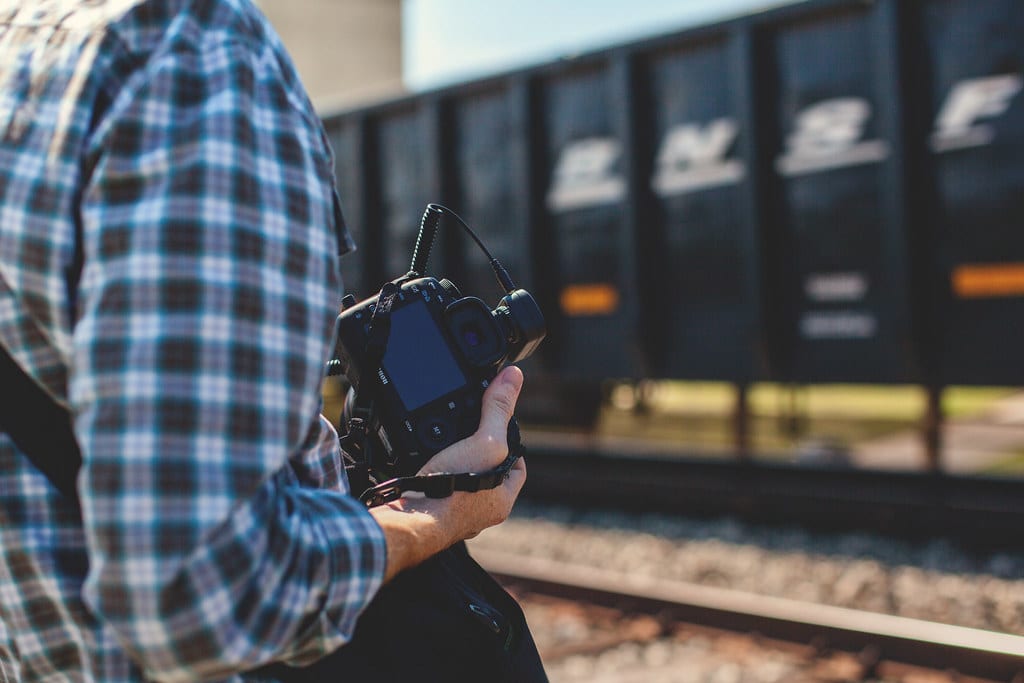
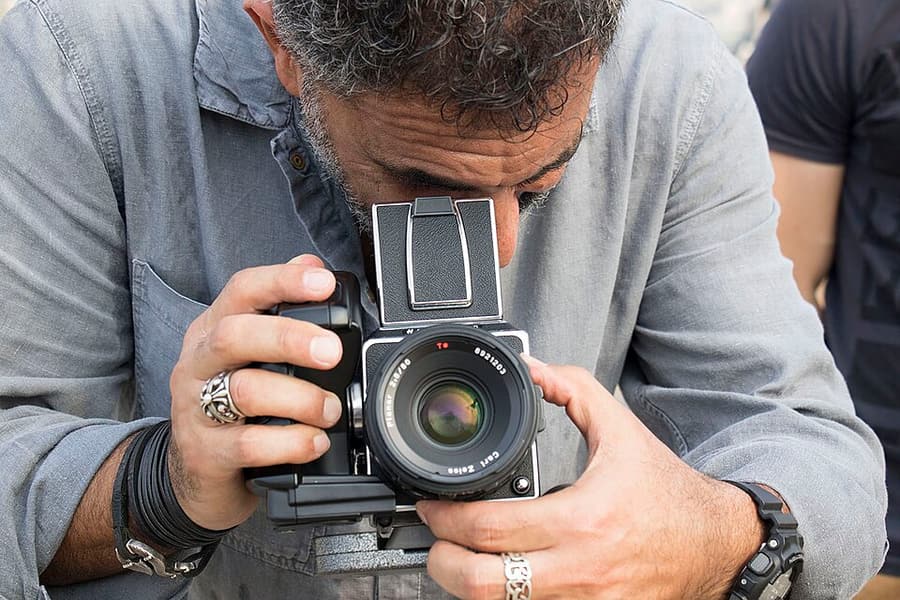
Camera shake happens when the camera changes angle during the exposure, and a long focal length magnifies small movements. Support the lens with your left hand, hold the grip without squeezing, bring the camera gently to your face, keep your shoulders relaxed, and create a stable stance. The guideline `1 / equivalent focal length` is only a starting point. Resolution, wind, fatigue, technique, and output size all change your safe shutter speed. Stabilization reduces camera movement with still subjects; it does not freeze a moving person.
Key takeaways
- Support the camera's weight from beneath the lens with the left hand
- Stand with one foot slightly forward, tuck the elbows, and press the shutter smoothly after exhaling
- Begin near the reciprocal of equivalent focal length, then measure your own limit
- Use a short 2–3-frame burst to improve the chance of one sharp frame at a slow speed
- Stabilization helps with camera shake but not subject motion
- On a tripod, use a timer or remote and follow the lens manufacturer's stabilization guidance
Practical example
With an 85 mm lens on full frame, 1/100 sec is a reasonable handheld starting point. Stabilization may allow a much slower speed for a stationary sign, but a moving portrait subject may still require 1/250 sec and a child running may need 1/500 sec or faster. Increase ISO when necessary to protect the shutter speed instead of sacrificing sharpness for a cleaner but blurred file.
Common mistakes
- Holding the top of the lens instead of supporting it from below
- Holding the breath until the body becomes tense
- Jerking the shutter button or lowering the camera before the exposure ends
- Expecting stabilization to freeze a moving subject
- Judging sharpness only from a small playback preview