Chapter 12
Style and Portfolio
Develop a distinct voice and present your work with discipline.
Complete a focused first portfolio of 15–20 photographs.
Edit twenty photographs, gather structured feedback from two people, and finish one portfolio version.
Lesson 01
Studying the Work of Other Photographers
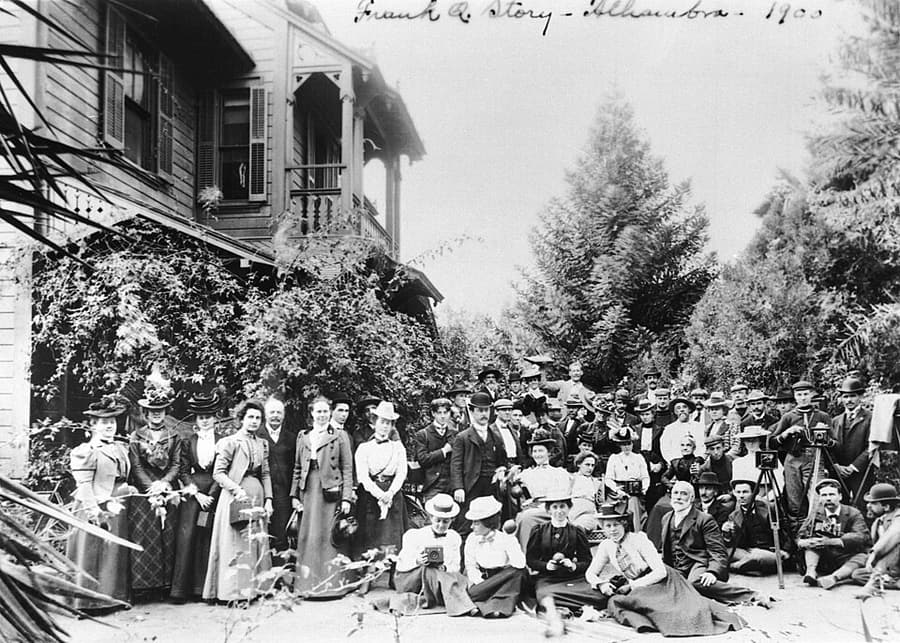
Study a complete series, book, or exhibition rather than collecting isolated popular images. Begin with description: what is shown, where the camera is, what light is used, how close the photographer stands, and what repeats. Interpret emotion and meaning only after recording visible evidence. Place the work within time, location, purpose, technology, publication, and the photographer's relationship to participants. A color grade is surface; access, distance, timing, and sequencing often provide deeper transferable lessons.
Key takeaways
- Study full bodies of work instead of one famous frame
- Separate description, interpretation, and evaluation
- Look for repeated choices and meaningful exceptions
- Compare single images, book sequence, and exhibition form when available
- Understand historical purpose and photographer–subject relationship
- Credit and respect copyright when collecting references
- Recreating reference photos is an evidence-based exercise: credit the source, separate light direction/quality, camera position, subject size, and background relationships, then reproduce one variable at a time before adding a personal change. Distinguish a study from an independent work rather than presenting the borrowed idea as entirely your own.
Practical example
If eight of ten photographs use eye-level position, side daylight, and close working distance, that is evidence of a method. Ask what relationship the distance creates and how the sequence uses it. Copying the curve without the access and relationship would imitate appearance, not method.
Common mistakes
- Saving appealing images without analysis
- Drawing conclusions from one famous image
- Using labels such as “cinematic” without visible evidence
- Copying color while ignoring context and idea
- Recreating another artist's scenes too closely without a distinct question

Knowledge check
Lesson 02
Learning to Critique Your Own Photographs
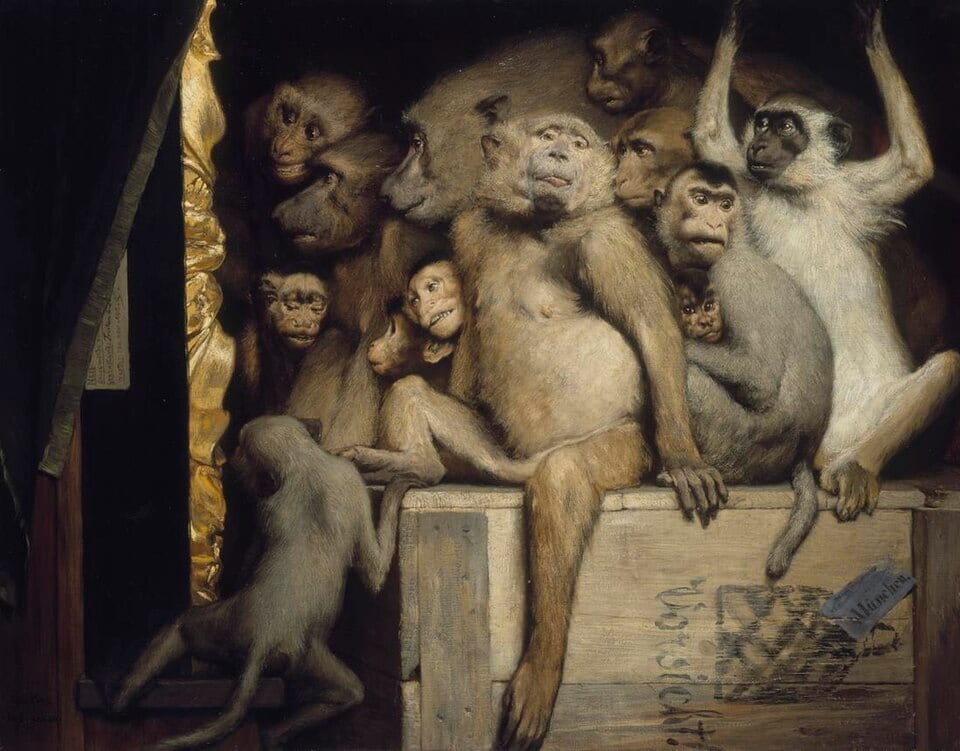
Use four stages: describe what is visible; analyze how light, composition, and timing guide attention; interpret information or feeling; evaluate how well the result serves the intention. This order reduces vague judgment and anchors conclusions in evidence. Finish with a testable action. “The photograph is weak” teaches nothing; “wait until the hand separates from the body” or “move left to remove the bright sign” creates a useful hypothesis.
Key takeaways
- Describe before judging
- Support every conclusion with visible evidence
- Evaluate at the final size and within the series context
- Separate a problem that can be edited from one that requires another shoot
- Record what already works so it can be repeated deliberately
- Prioritize one concrete change instead of listing every possible improvement
Practical example
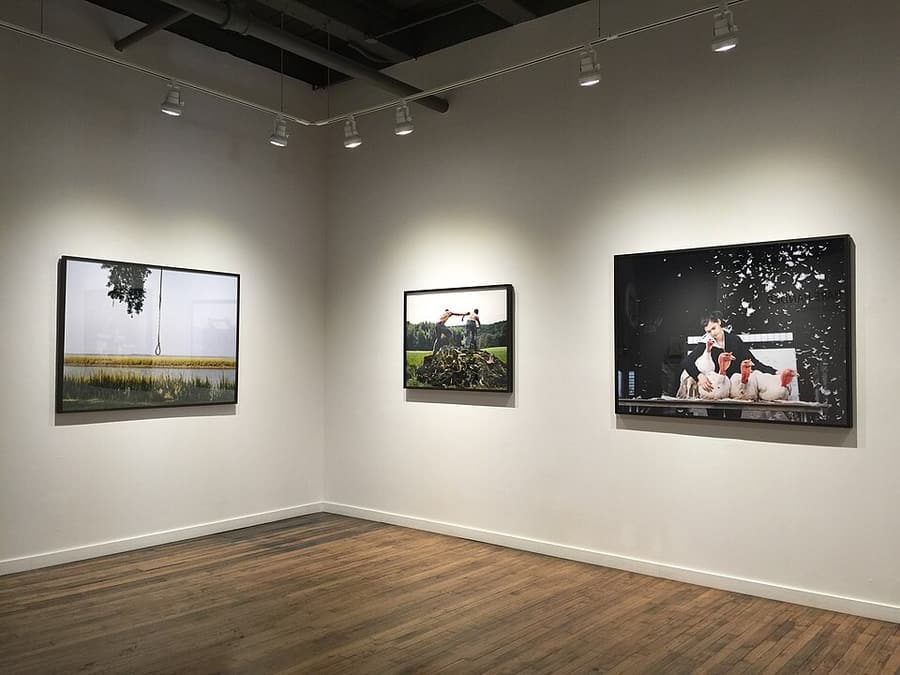
Instead of “the portrait lacks emotion,” say, “the bright object at right pulls attention away from the expression; next time change position or reduce its brightness.” If the focus is accurate but the gesture is incomplete, contrast cannot solve it; photograph through the action and choose its peak.
Common mistakes
- Scoring only beautiful or ugly
- Listing technical flaws without considering communication
- Defending intention instead of observing the received result
- Comparing the work to another person's style rather than its own goal
- Suggesting so many changes that no priority can be tested
Knowledge check
Lesson 03
Asking for Focused Feedback
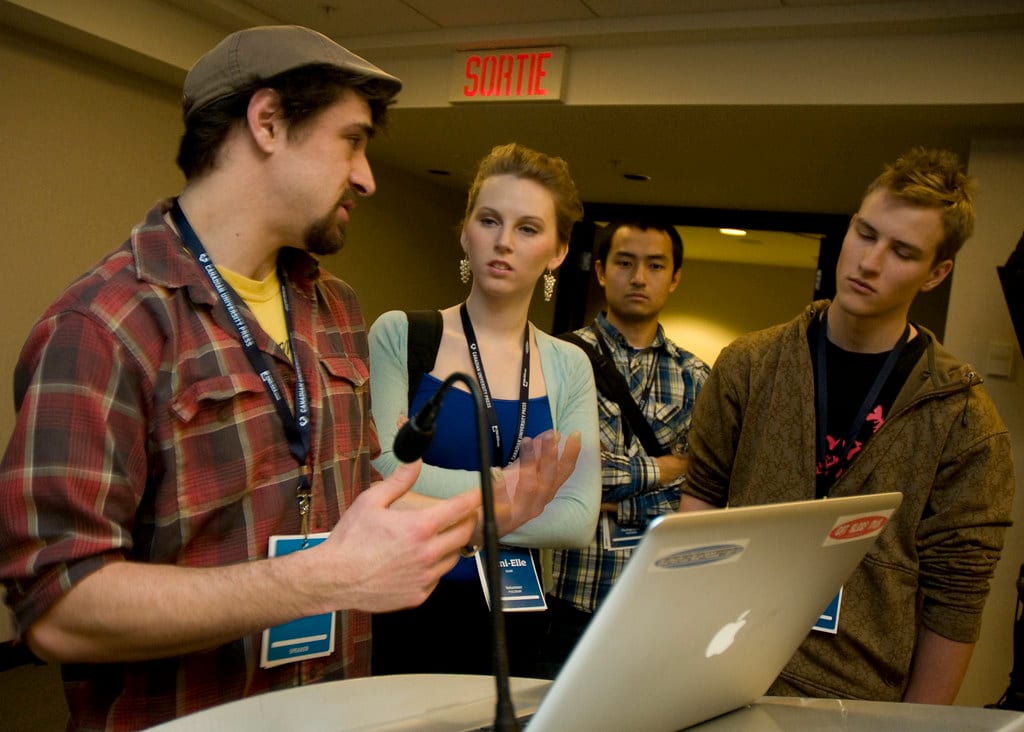
Choose reviewers by role. A peer may see technique and editing; a target client sees relevance; a general viewer reveals whether the story communicates without specialist knowledge. Send every reviewer the same selection, order, size, goal, and questions so responses can be compared. Ask for reactions and problems before solutions. Questions such as “Where did you stop?”, “What is this about?”, and “Which image repeats?” produce better evidence than “How should I color-grade it?”
Key takeaways
- State the portfolio goal and intended audience
- Ask which image is weakest and what visible reason creates that judgment
- Record feedback before explaining or defending your intention
- Look for recurring patterns without replacing authorship with a vote
- Weight feedback by reviewer relevance to the goal
- Set a revision deadline and version to prevent endless reactive editing

Practical example
If three reviewers lose the story at image six but offer different solutions, the reliable evidence is that the transition has a problem—not that one proposed fix must be right. Test removing, moving, and replacing image six with new viewers.
Common mistakes
- Asking only “What do you think?”
- Arguing while listening until the reviewer stops speaking honestly
- Giving equal weight to target-client and unrelated-friend feedback
- Immediately following one suggestion that contradicts the stated goal
- Adding every recommendation and losing focus or voice

Knowledge check
Lesson 04
Selecting Your Best 15–20 Photographs
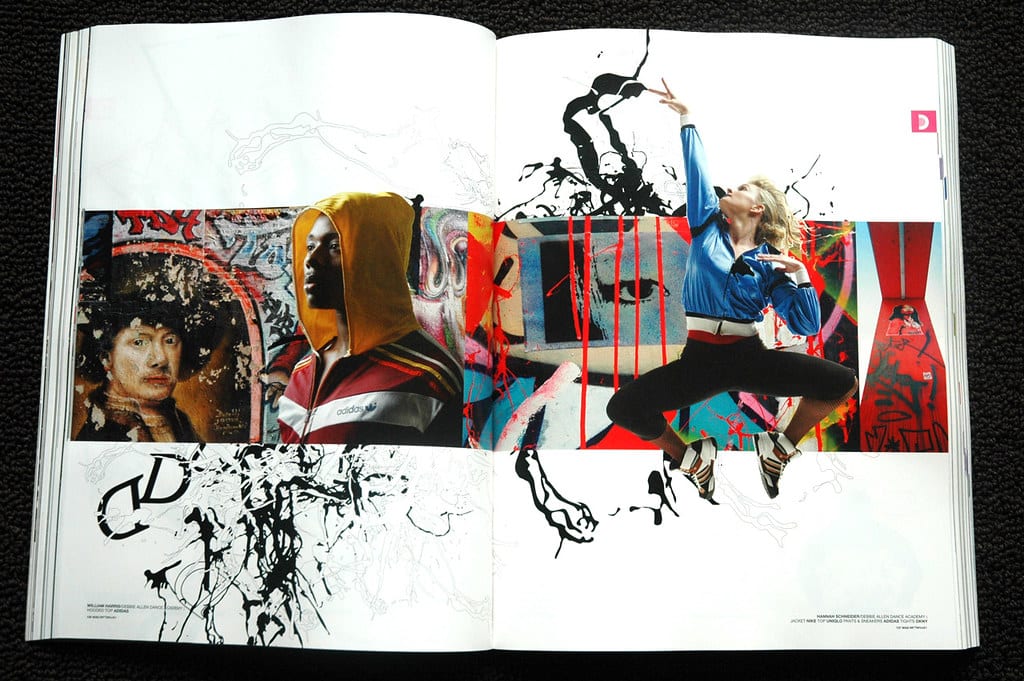
A portfolio is a focused promise, not a warehouse of favorite images. Begin with the viewer and opportunity you want. Wedding clients, architecture editors, and galleries need different evidence. Show the work you want to be asked to make again. Edit at thumbnail size for rhythm, then inspect final files at delivery size. Every image should add a capability, scale, subject, feeling, or perspective. The quality floor matters more than reaching a target count.
Key takeaways
- Select for the kind of work or attention you want to receive
- Make every image add a distinct capability or point of view
- Use the opening as a promise and the ending as an echo
- Separate a short overview portfolio from longer project galleries
- Compare new work against an existing image with the same function
- Verify publication rights, releases, and sensitive information before launch
Practical example
If two portraits both demonstrate window light, keep the one with stronger expression and series relationship. If the second proves group direction or environmental storytelling, it may have a separate role. Write the role under every thumbnail; an image without a distinct role is a removal candidate.
Common mistakes
- Including a few frames from every genre to prove versatility
- Keeping a weak image to reach a number
- Opening with a popular image that does not represent desired work
- Showing two crops or color versions of the same moment
- Selecting strong isolated frames that conflict in quality, tone, or ethics
Knowledge check
Lesson 05
Building a Long-term Personal Project
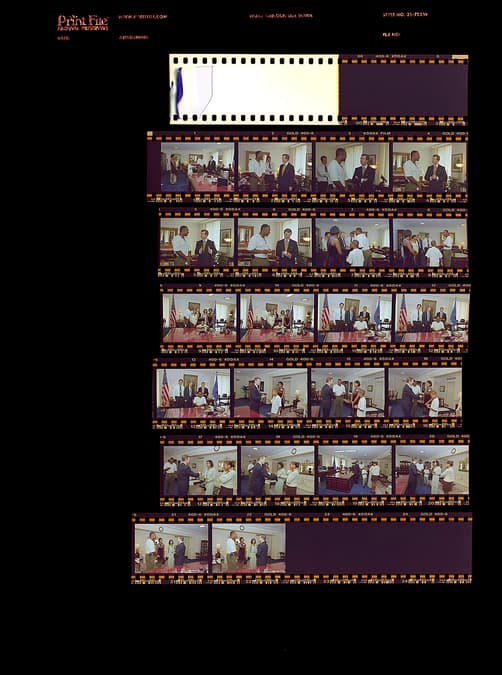
A sustainable project sits where a deep question, repeatable access, and realistic scope meet. Work in cycles: research, photograph, contact sheet, review, and targeted reshoot. A short regular schedule usually produces more insight than waiting for one ambitious trip. Keep a journal of observations, people, technical changes, repetition, gaps, and ethical questions. Regular reviews reveal whether the work is expanding without limits, repeating an old idea, or developing a stronger direction.

Key takeaways
- Define a scope and schedule you can actually sustain
- Establish access, expectations, and use with participants early
- Record decisions and missing coverage after every session
- Review contact sheets at fixed milestones and permit the question to evolve
- Budget travel, storage, proofs, and editing time
- Create an interim zine or slideshow so the project develops a tangible shape
- To develop a personal style, review three different sets and identify deliberate repeated choices in distance, timing, relationship with subjects, light, and color. Write three principles, test them on a new session, and revise when they obstruct the story. Style need not force the same effect onto every subject.
Practical example
An eight-week project about a family shop could use weeks 1–2 for context and relationships, weeks 3–5 for people and activity, week 6 for a trial edit, week 7 for gaps, and week 8 for sequence and proof. If access changes, a planned alternative might focus on spatial traces rather than photographing people without consent.
Common mistakes
- Selecting a scope too large for repeat access
- Waiting for inspiration and losing continuity
- Photographing for months without contact sheets or trial edits
- Failing to plan for changes in people, place, or weather
- Continuing indefinitely without a completion definition

Knowledge check
Lesson 06
Websites, Social Media, and Presentation
A simple hierarchy usually serves photographs best: identity and positioning, representative work, focused galleries, short biography, and obvious contact. Typography, animation, background, and navigation should support a fast, accessible viewing experience rather than compete with the work. Your website controls sequence and context; social platforms distribute fragments and guide viewers to that destination. Use social for selected work, process, or behind-the-scenes material while keeping complete edits and service information on the site.
Key takeaways
- Prioritize fast loading, simple navigation, and sufficiently large images
- Write a short biography and make contact unmistakable
- Use responsive images, alt text, keyboard access, and adequate contrast
- Keep identity and visual positioning consistent across channels
- Test on mobile, slow connections, and a signed-out browser
- Use analytics with restraint and respect visitor privacy
Practical example
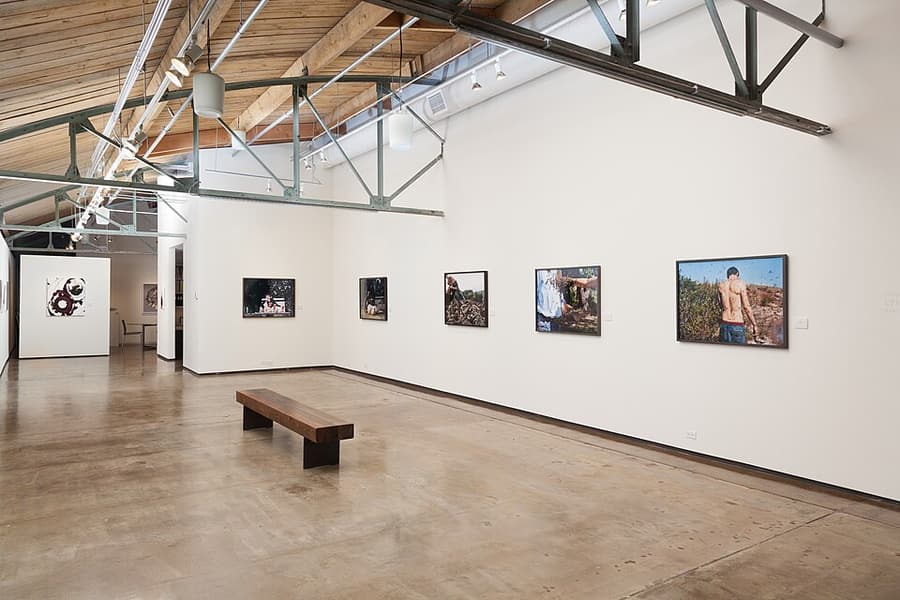
A home page may show 8–12 representative photographs, with project galleries, a 100-word biography, and a clear contact action. Each gallery has a one- or two-sentence context and a cover that represents the whole project rather than merely attracting clicks.
Common mistakes
- Letting interface effects compete with photographs
- Uploading full-resolution files and creating slow pages
- Mixing weak personal work into a professional promise
- Writing a long equipment-focused biography without explaining value to the viewer
- Testing only desktop and missing mobile crops, type, or contact problems